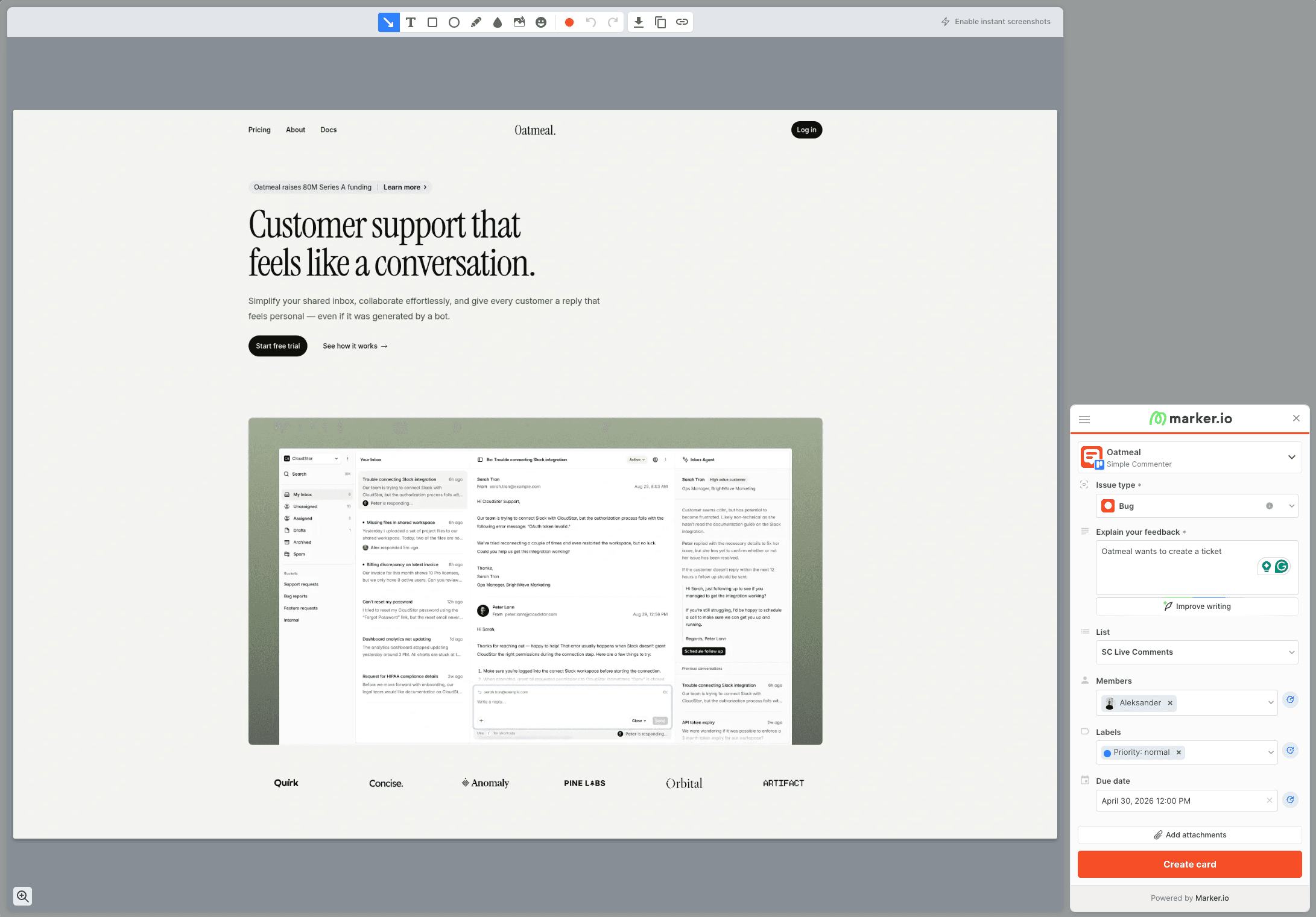
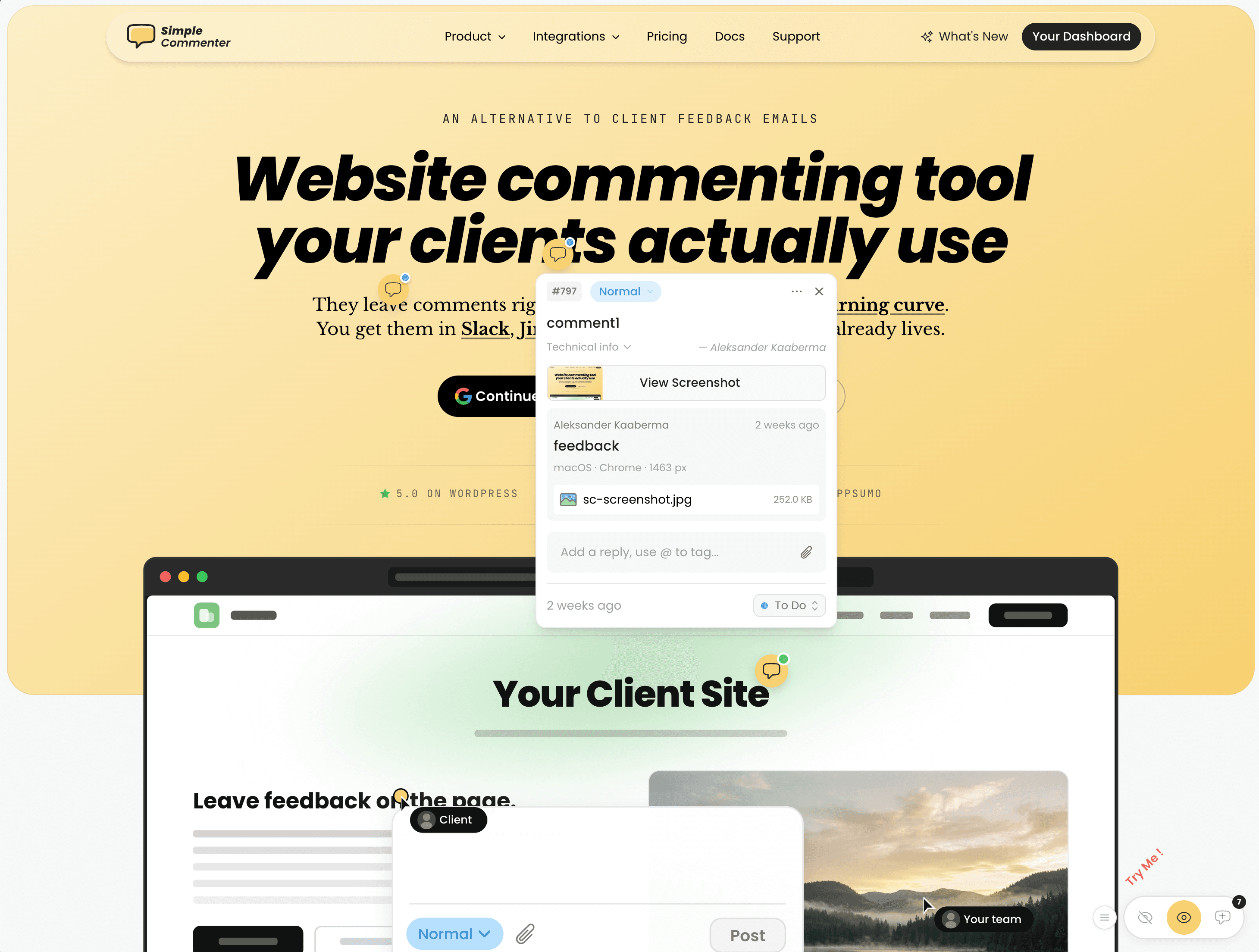
Markup.io vs Marker.io: Design Review or Bug Reporting?
Compare Markup.io and Marker.io on website review, debugging context, current pricing, and reviewer access. Includes test findings and alternatives for client work.

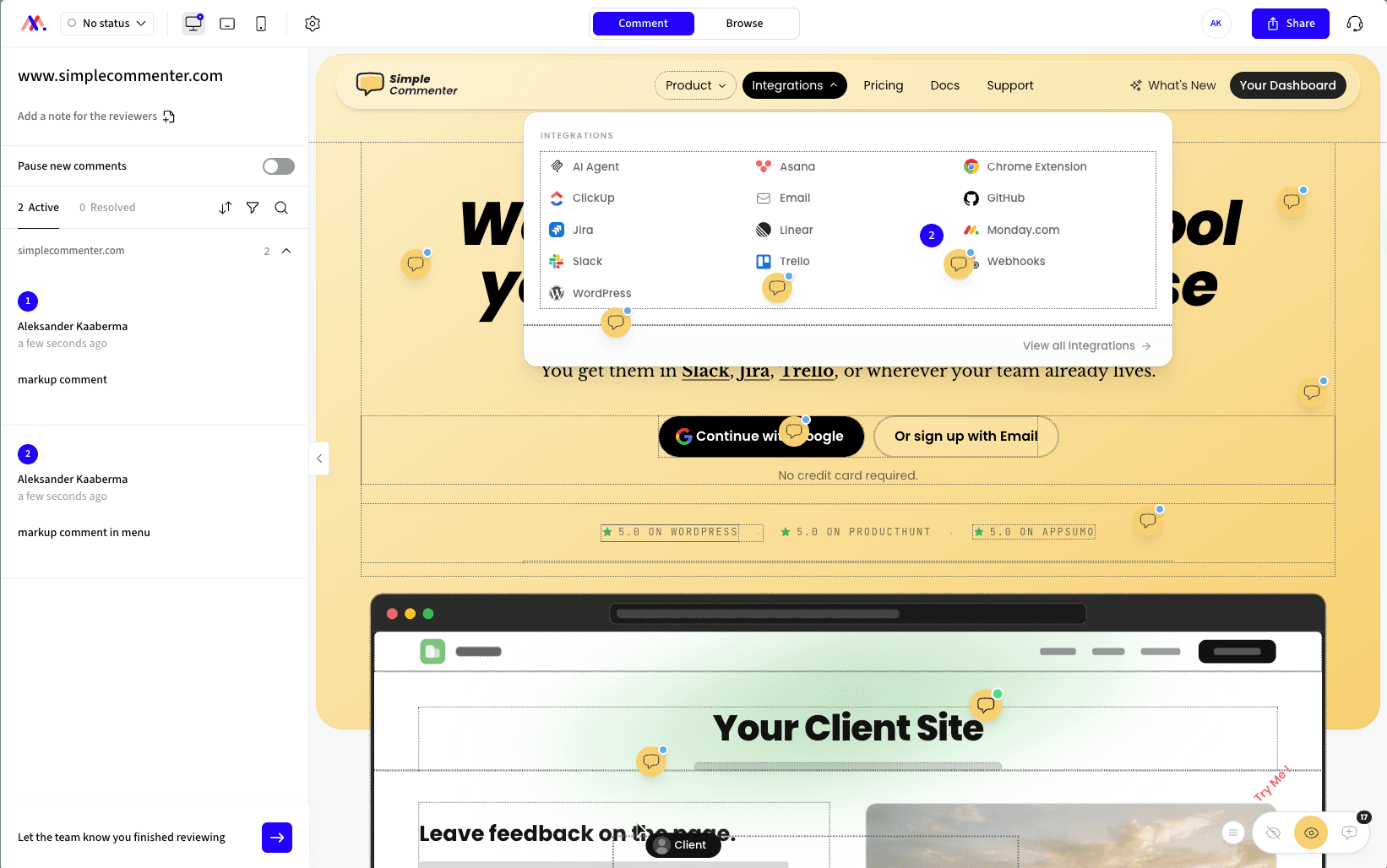
Markup.io focuses on visual review. Marker.io focuses on capturing reports and moving them into a delivery workflow. Both deserve a test on the kind of website your team actually reviews. Their similar names make them easy to confuse; the access model, captured evidence, and current plan limits are better reasons to choose.
We build Simple Commenter, a competing website feedback tool. The screenshots and hands-on observations here come from our original review. We rechecked current pricing and Marker.io's role documentation on September 14. Historical test failures are identified as such; we have not rerun those product tests for this update.
Markup.io vs Marker.io at a glance#
| Question | Markup.io | Marker.io |
|---|---|---|
| What should the trial demonstrate? | A reviewer can open the work and leave useful visual comments | A reviewer can submit a report the delivery team can reproduce and track |
| Review approach | Hosted website review and a browser extension in our test | Website widget with screenshot reporting and tracker integrations |
| What affects the bill? | Plan, monthly MarkUp allowance, workspace and storage needs | Team access, plan features, and project or agency allowances |
| What should clients test? | Access to the actual staging page, comment location, and replies | Reporter versus guest access, report visibility, and replies |
| What should developers test? | Whether captured evidence is enough for the reported problem | Available debugging tools and issue sync on the selected plan |
Neither tool should be judged from an administrator's demo alone. Send the review to someone using the permissions you intend to give a client.
Markup.io pricing and trial terms have changed#
Markup.io's current pricing page lists Pro from $79/month for 50 MarkUps per month, with unlimited users. There are higher allowances and a Business tier. The page now advertises a 14-day trial.
That differs from the old single-plan description with unlimited MarkUps. Count the review volume your projects create, not only the people invited. Check the selected allowance, billing period, and storage before comparing totals.
Our original evaluation required payment. That historical experience is not evidence that today's advertised trial still requires a card. Check the current signup terms during your own evaluation.
What we found when testing Markup.io#
We tested two routes: opening a site through a hosted review address and using the Chrome extension on the live page. The hosted route was convenient when it loaded the site successfully. In our test, a Basic Auth page did not load through it, making the extension route more useful for that case.
We also saw an incorrectly positioned captured screenshot and a hover outline that made the review distracting. These are specific observations from the original test. They should become checks in a new trial, rather than blanket claims about every site or the current release.
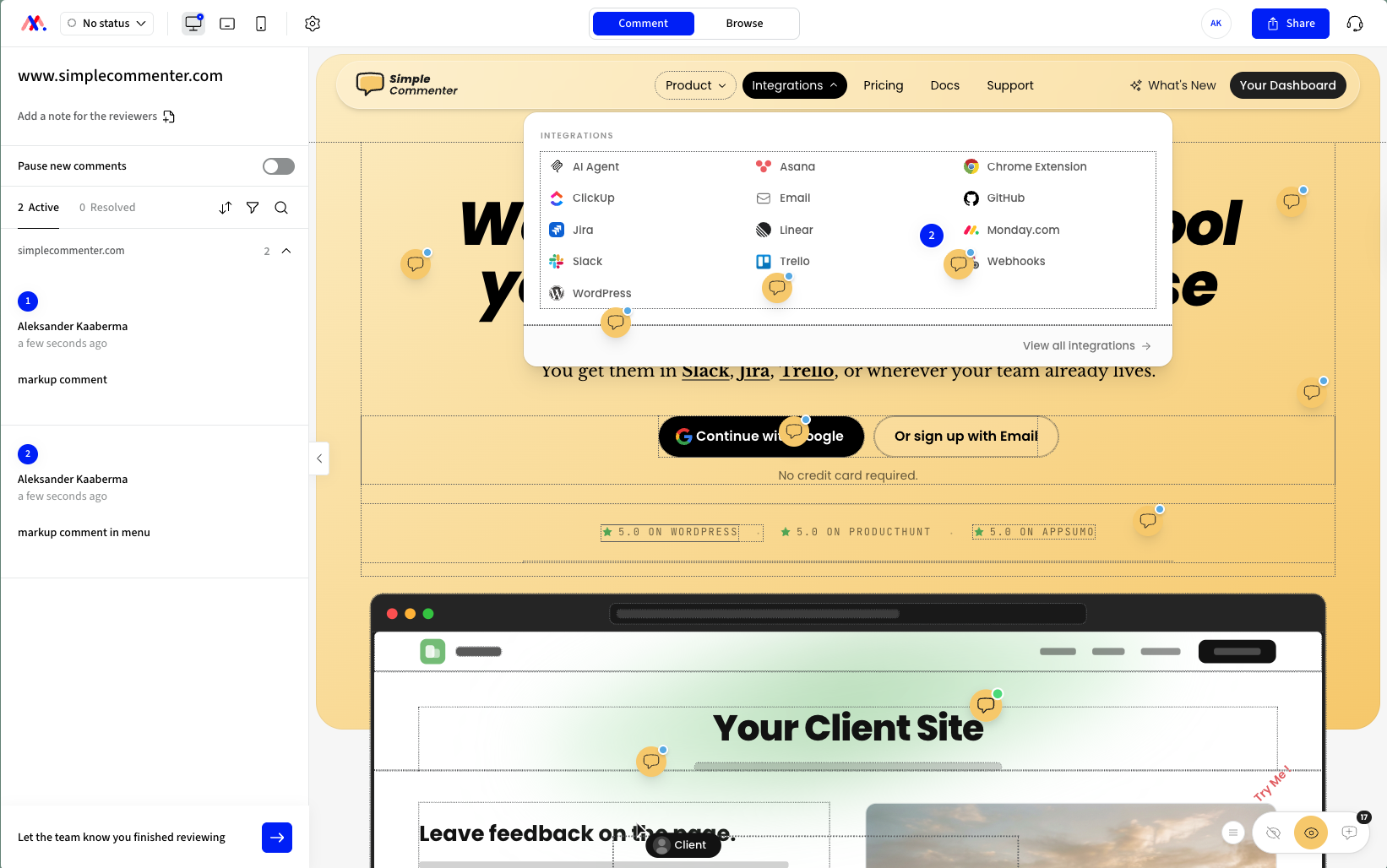
Test a menu, a long page, an authenticated state, and a mobile layout before committing. Confirm that the review image captures the same state and location the reviewer meant. If hosted review does not fit your site, compare the installation and sharing trade-offs in our Markup.io alternatives guide.
Marker.io supports more than one kind of reviewer#
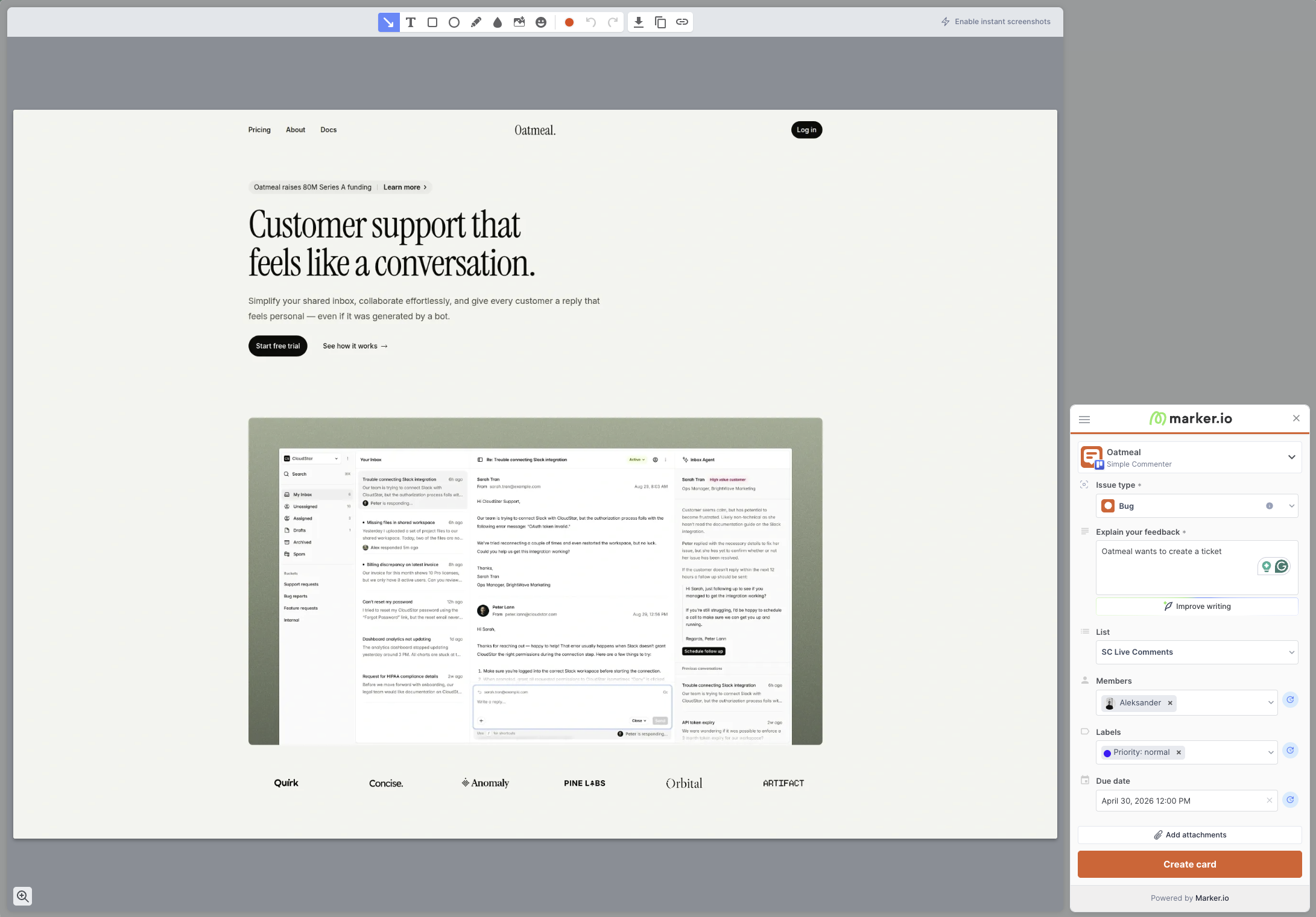
Our earlier wording that everyone must log in was too broad. Marker.io distinguishes paid team access, guests, and free reporters. Its current roles documentation says an open widget can accept reports without an account.
That does not give every reporter shared dashboard access. A reporter can follow up on their own reports; guest collaboration and visibility are separate settings. If you want several clients to review the same page together, test that exact situation.
For the delivery team, inspect the report in your actual tracker. Check what browser context is attached, which developer tools are enabled, and whether a status change returns as expected. Do not assume every advanced capture feature is included in the entry plan.
Compare Marker.io's plan with the workflow you need#
Marker.io's pricing lists Starter at $39/month billed annually or $59 monthly, and Team at $149 or $199. Team adds features including issue sync, session replay, and developer tools. Business uses custom pricing.
An eligible agency can apply for a separate plan advertised at $129 monthly or $99/month with annual billing, with its own member, project, and guest allowances. That means a general per-workspace calculation may not be the right quote for an agency.
Price the plan around the tracker, evidence, and collaboration you will actually use. Run the integration trial with those features enabled before comparing it with a cheaper plan that does a different job.
Run the same review task in both tools#
Choose two representative tasks: a content revision and a functional failure. For example, replace an About-page image and investigate a contact form that shows no confirmation.
For each tool:
- Open the actual staging page with a reviewer account or access mode.
- Leave one revision and one bug report.
- Inspect the captured screenshot and page context.
- Reply as the delivery team.
- Return as the reviewer and find the response.
- Check what a second reviewer can see.
- Change a status in your task tracker and verify the resulting behavior.
Use the bug report template so both reports contain the same reproduction steps. The website QA testing guide explains how to retest a fix, while the client approval workflow keeps final sign-off separate from individual resolved comments.
Alternatives when neither workflow fits#
Simple Commenter for discussion beside the website#
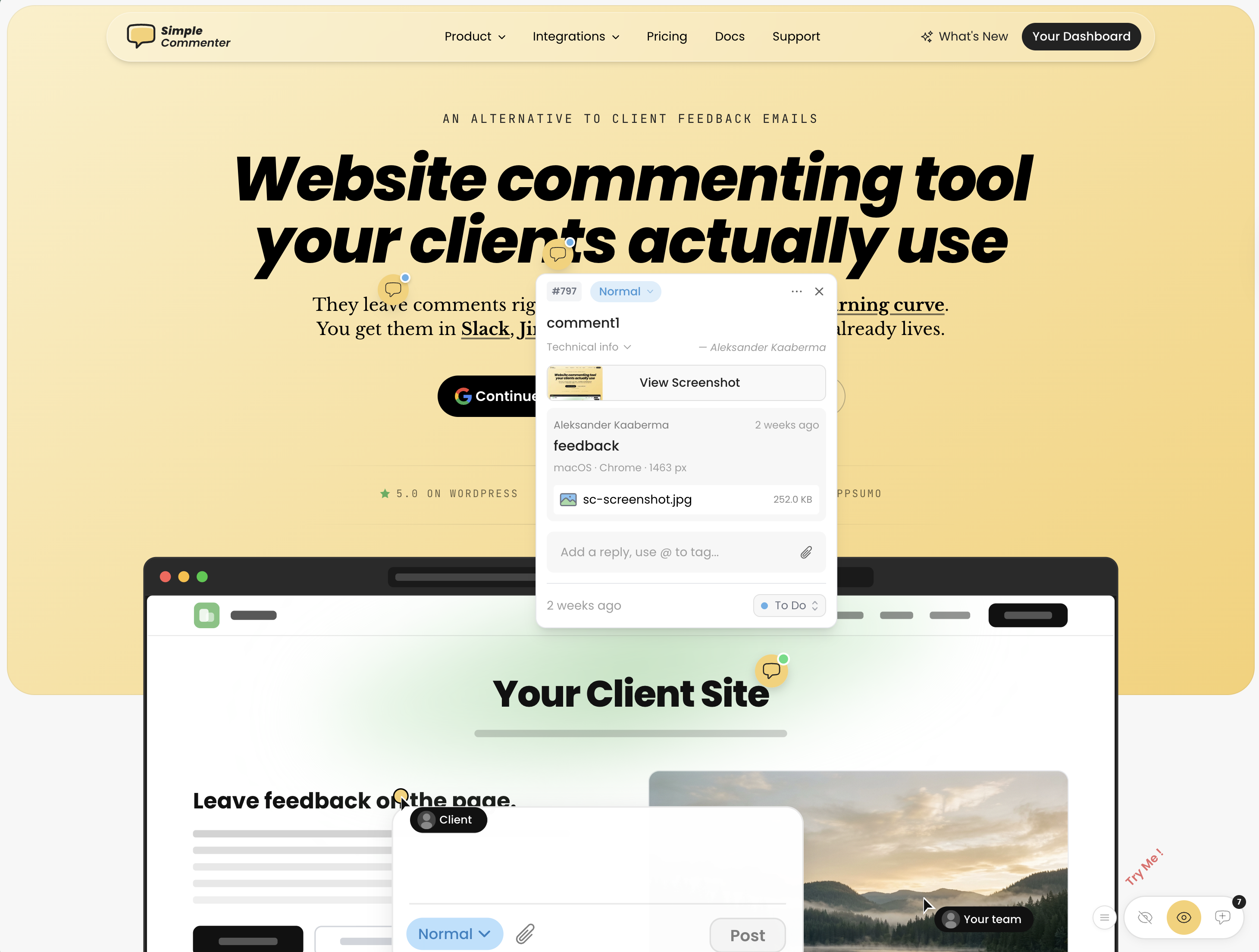
Simple Commenter keeps comments pinned to page elements and replies with the original discussion. You can configure review access without a separate client account, or use identified access when that fits the project. The underlying staging site still needs to be accessible to the reviewer.
The team gets page context and the capture features enabled for the project, plus integrations for working through feedback. On WordPress, the plugin also lets you manage comments and replies inside WP admin.
It is worth testing when your main job is collecting and resolving client revisions. Evaluate a dedicated debugging or asset-review platform separately when that is the work you need.
Try the free website feedback tool, or explore the full client-review workflow. Current team allowances are on the pricing page.
Pastel for a hosted review workflow#
Pastel is another option when a hosted review canvas fits the work. Test your page's authentication, dynamic states, and reviewer access before choosing it. Our Pastel alternatives guide compares that approach with other tools.
BugHerd for website feedback managed on a board#
BugHerd belongs on the shortlist when the delivery team wants a board around website feedback. Check client access and your required integrations in the trial. Read Marker.io vs BugHerd for that pairing.
For a broader shortlist, use the Marker.io alternatives, Markup.io alternatives, or website feedback tools guide.
Questions about Markup.io and Marker.io#
Are Markup.io and Marker.io the same product?#
No. They are different products at markup.io and marker.io. Confirm the domain when following a setup guide or comparing a subscription.
Does Marker.io require every reporter to have an account?#
No. Its current role documentation allows account-free reporting through an open widget. Shared collaboration, guest access, and visibility have separate rules.
Does Markup.io still offer unlimited MarkUps?#
The current pricing page uses monthly MarkUp allowances. Unlimited users should not be read as unlimited monthly review volume.
Which is better for a website agency?#
Test the work your agency repeats: opening client staging sites, collecting revisions, handling replies, and checking the changed version. Compare plan totals after confirming those steps and the number of active projects.
Found this useful? Add us as a preferred source and Google will show you more of our guides in Search and AI Overviews.