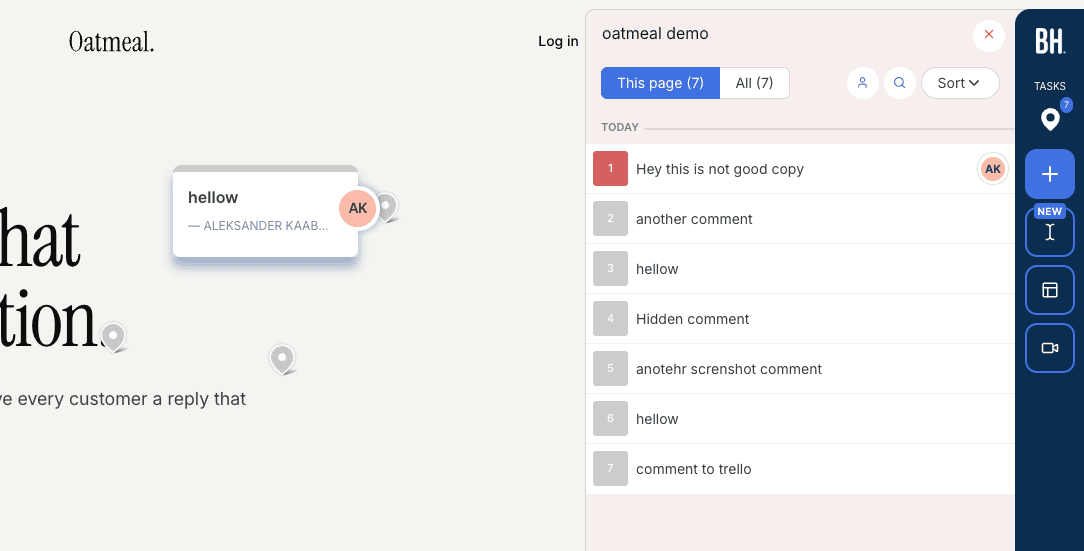
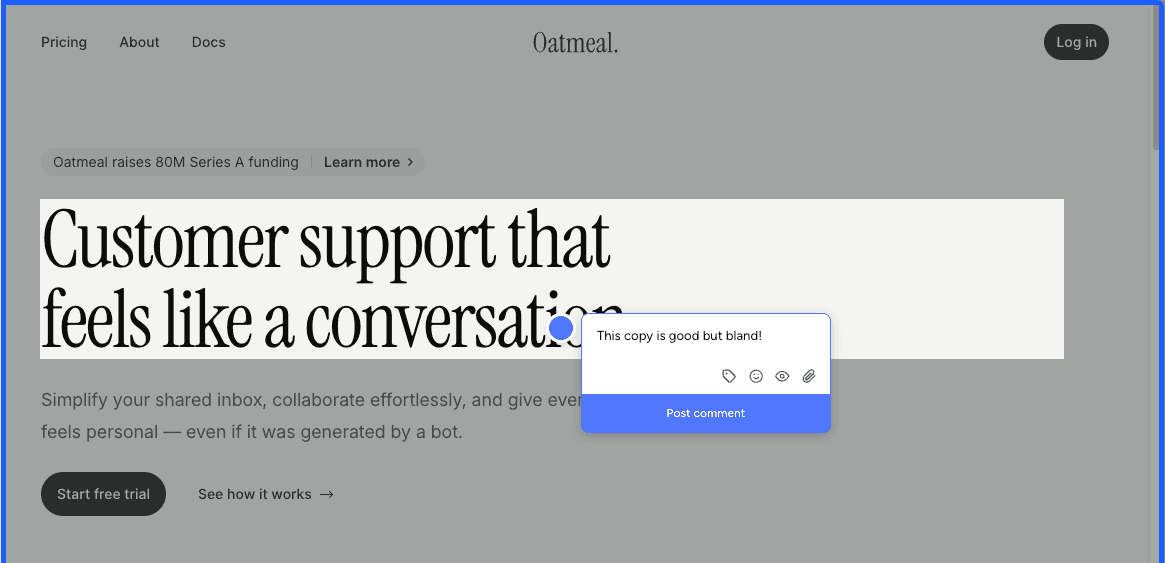
5 Best MarkUp.io Alternatives in 2026
MarkUp.io Pro now starts at $79 for 50 MarkUps a month. Five MarkUp.io alternatives compared on price, live-site versus canvas review, staging access and assets.


Most people searching for MarkUp.io alternatives are reacting to the 2025 price change, when Pro went from $29 to $79 a month and the free plan disappeared. If you want the same canvas-style review for less, look at Pastel, Huddlekit and BugSmash. If you want feedback on your real site with tracker integrations, look at script-based tools such as Feedbucket. If your clients also review images, PDFs or video, see our comparison of design feedback tools that review files and live sites.
Full disclosure, Simple Commenter is our product and it is listed first. The MarkUp.io notes and screenshots below come from our original hands-on test, and on October 29, 2026 we re-checked prices and plan pages for every tool without repeating that test.
MarkUp.io is a canvas-based review tool that many agencies and freelancers use for client sites built on WordPress, Squarespace and Webflow. You paste a URL, MarkUp.io loads the page in its own viewer, and clients click to comment. Non-technical clients pick it up quickly, and it has been around long enough to feel familiar.
The price is what changed. As of October 29, 2026, MarkUp.io's pricing page lists Pro at $79 a month for 50 MarkUps, $99 for 75 and $129 for 100, all with unlimited users. Business starts at $499 a month for 200 MarkUps. There is no free plan, only a 14-day trial.
A replacement only makes sense if it fixes one of three things. It might give you a monthly allowance that fits how many reviews you run, a review flow that works on your actual staging site, or a closer fit with the tools your team delivers in.
Whatever you pick should keep what made MarkUp.io easy to like. Not every tool below does all three, so decide which matters most.
- Clients can comment without making an account
- A Chrome extension that works when you cannot touch the site's code
- A product that has been tested by enough agencies to trust on client work
One quick disambiguation first. MarkUp.io and Marker.io are different products that get mixed up all the time. If you meant the bug-reporting tool with the browser extension, start with Markup.io vs Marker.io.
Simple Commenter#
Built for: Agencies · Freelancers · Web designers leaving MarkUp.io
Best for: MarkUp.io users who want comments on the real site, including staging and pages behind a login, without counting MarkUps every month.
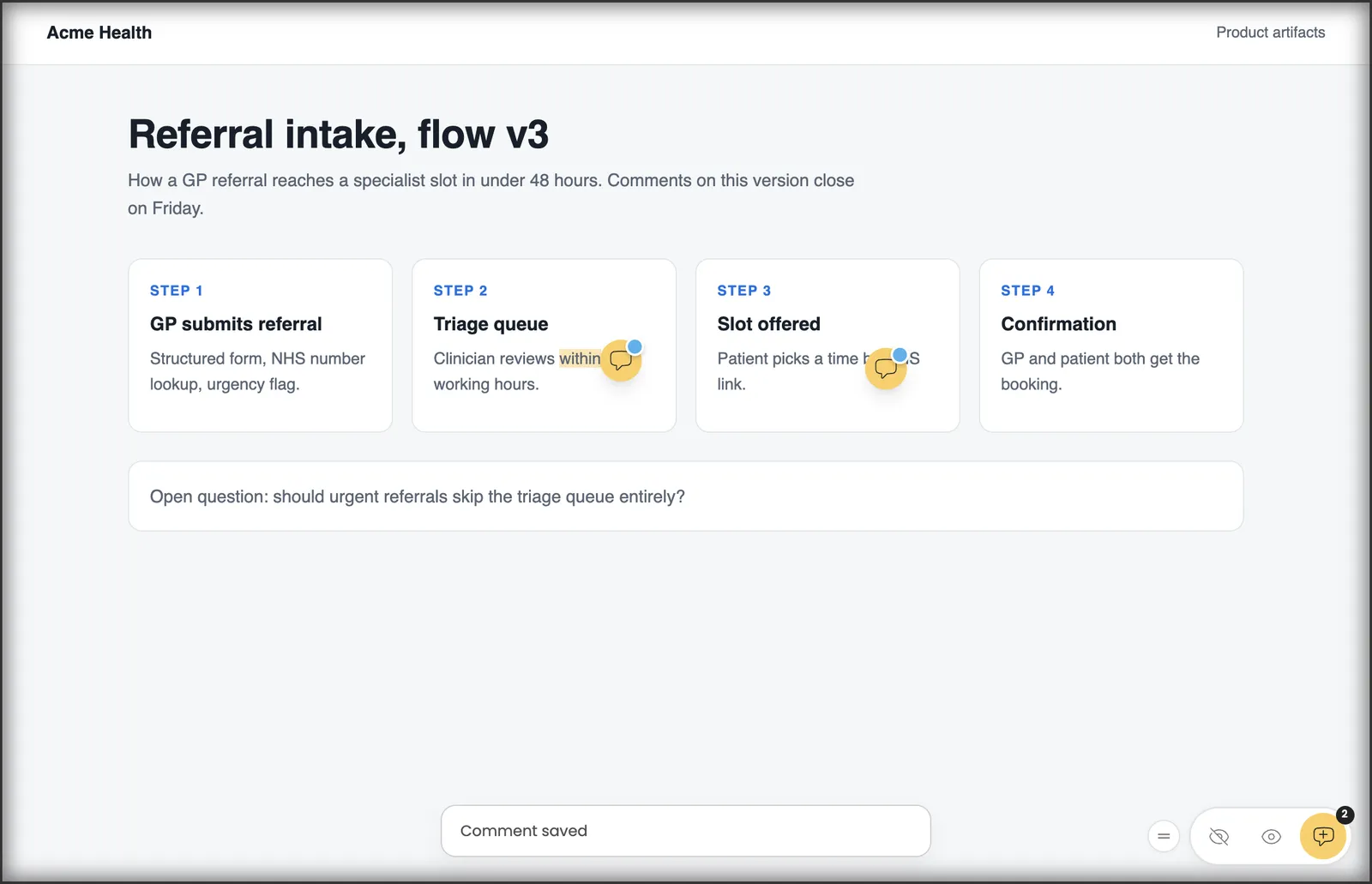
Simple Commenter moves the review from a viewer onto your site. Instead of loading a copy of the page in someone else's frame, you add a script tag or the WordPress plugin and clients comment on the page itself. That is the difference you notice on staging sites behind a password, on pages that refuse to load in a frame, and when a client opens the link on their own phone.
There is no review allowance to ration. Pro counts active projects, 10 of them, and archived projects do not count. Agency has no project limit at all. As of October 29, 2026, Pro is $34.99 a month (€29.99), against $79 for MarkUp.io's entry plan.
For sites you cannot edit, the Chrome extension covers the case MarkUp.io's extension did. PDFs and images can still be reviewed in the same workspace, so design rounds do not need a second tool. When a project is ready for tickets, comments go to Jira, Linear, Asana, ClickUp, Monday.com, Trello, GitHub, Slack, email or webhooks, all included on Pro, and the MCP integration lets AI coding agents read and reply to them.
Clients still need nothing. They comment without an account by default, or you can make a project invite-only through the reviewer access settings, in which case invited clients leave named comments and get notified when you reply.
There are trade-offs. MarkUp.io works without installing anything on the site, while we need the script, the WordPress plugin or the Chrome extension. MarkUp.io includes unlimited users on every plan, and our Pro plan covers 3 team members, with clients free and extra team seats at $9.99. And MarkUp.io has a longer track record with agencies.
Key features:
- Comments pinned on your actual site, staging included, rather than in a hosted viewer
- No monthly review allowance, Pro counts 10 active projects and archived ones are free
- Chrome extension for client sites where you cannot add a script
- PDF and image review next to website feedback
- No account needed for clients, or invite-only projects with reply notifications
- Automatic screenshot and browser details on each comment
- Integrations with Jira, Linear, Asana, ClickUp, Monday.com, Trello, GitHub and Slack on Pro
- WordPress plugin that lets your team manage comments, replies and members from WP admin
- Boards to sort comments by status
Pricing:
Pro is $34.99 a month (€29.99) with 3 team members and 10 active projects. Agency is $79 a month (€69) with unlimited team members and projects plus white label. Clients are unlimited on both and never need a seat. Prices are as of October 29, 2026, and the 14-day trial needs no credit card. The pricing page shows your currency and the yearly option.
Pros:
- Works on staging, behind logins and on real phones, because it runs on the site itself
- Lower entry price than MarkUp.io Pro, with no MarkUp-style allowance
- Chrome extension for sites you cannot edit
- Tracker integrations on the entry plan
- Asset review stays in the same tool
Cons:
- Needs a script, plugin or extension, where MarkUp.io only needs a URL
- Pro includes 3 team members, while MarkUp.io has unlimited users
- A younger product with a shorter track record
Reviews:
Several of our reviews come straight from the MarkUp.io price change. Richard found us on Reddit "b/c of the MarkUp price change". Katelyn went looking for an affordable option for her students and clients, says her clients "LOVED" using it on website revisions, and is honest that she hit 2 or 3 comment placement glitches in 25 to 50 comments. Emily passed on her client's verdict that it was much easier to use than MarkUp. All of them are on the testimonials page.
Feedbucket#
Built for: Agencies · QA teams · SaaS teams · In-house product teams
Best for: MarkUp.io users who are done with frame-based review and want feedback to land straight in Jira, Trello or Asana.
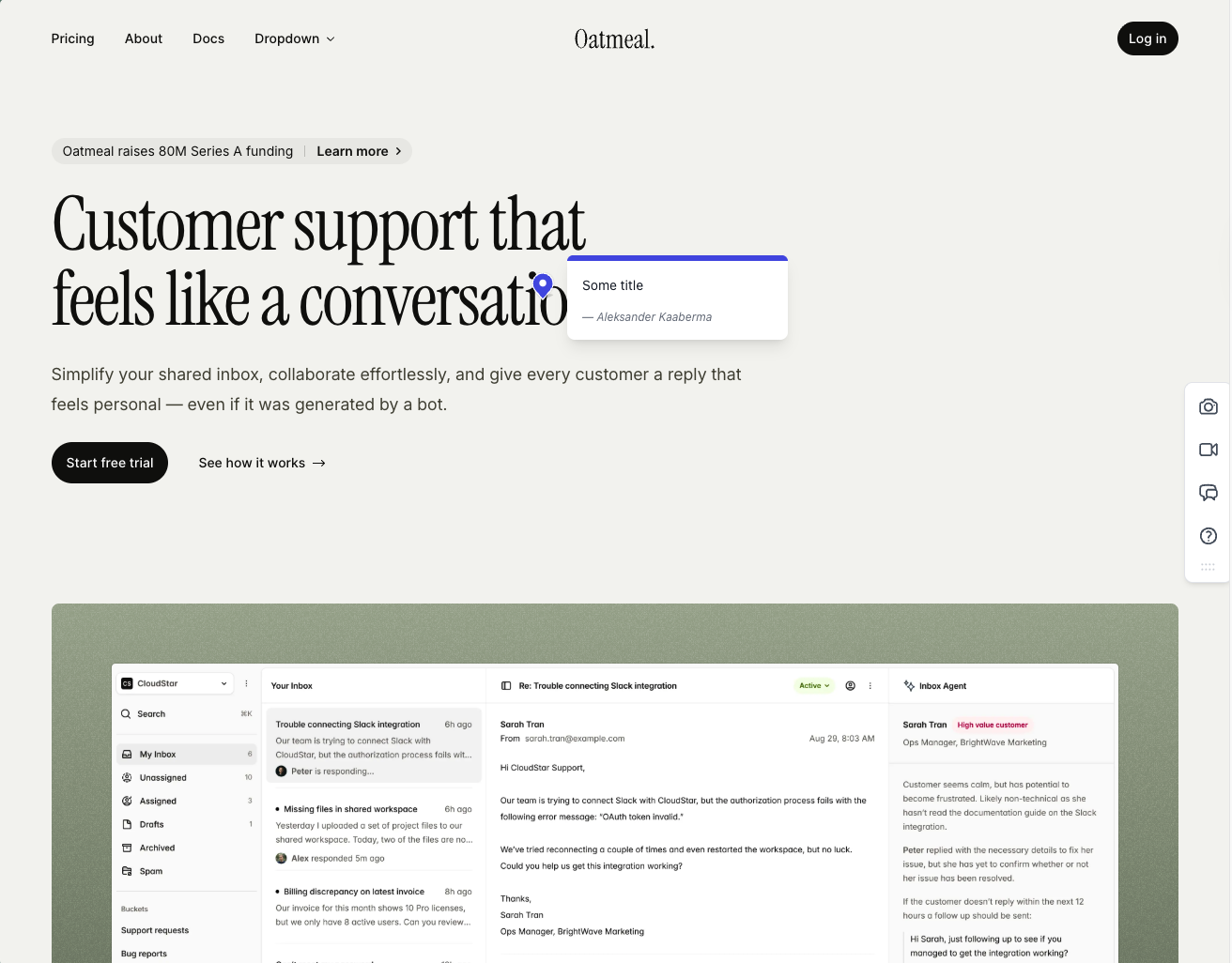
Feedbucket is the tracker-first way out of MarkUp.io. It loads through a script on your site, with one-click installers for WordPress and Shopify, so clients comment on the real page through a link without signing up. Each comment comes with a screenshot taken at the exact spot, which avoids the misplaced screenshots we saw on MarkUp.io.
The integration list is the main draw. Nearly every project management tool you would want is supported, and the product is built to pass feedback along rather than hold it. Its own dashboard reflects that. In our test you could filter by tag and page, with no priority, ordering or board, which is fine if your team lives in a tracker.
Watch the seat count. MarkUp.io gives you unlimited users, while Feedbucket's Pro plan includes 2 team members at $49 a month as of October 29, 2026. Business at $89 covers 25 and adds branding, console logs and data export. By default each comment needs a title, a setting you can switch off, and the WordPress plugin is only a script installer.
Key features:
- Script install, plus one-click WordPress and Shopify installers
- Screenshot captured where each comment is placed
- Video feedback on every plan
- Wide tracker integration list, API access and an MCP connector
- No sign-up for clients commenting through a link
Pricing:
- Pro, $49 a month, 2 team members, unlimited projects, feedback and client reporters
- Business, $89 a month, 25 team members, plus branding, console logs and data export
- Enterprise on a custom quote, with SSO listed as coming soon
- 20% off on yearly billing, 14-day trial without a card
- From the Feedbucket pricing page, as of 2026-10-29
Pros:
- Comments on the real site, not a framed copy
- Screenshots match the comment location
- Integrations with almost every tracker
- No feedback allowance, projects and feedback are unlimited
- Developed in the EU
Cons:
- Only 2 team members on Pro, where MarkUp.io has unlimited users
- Title field on by default
- Light native dashboard, no priority or board in our test
- WordPress plugin does not manage anything inside WP
Reviews:
Reviews match our experience. Clients like not signing up, teams like how reliable it is, and people already in Jira, Trello or Asana call it the missing link between site and tracker. The usual complaints are a thin dashboard and light customization on lower tiers. For a MarkUp.io user, the bigger adjustment is that feedback is meant to leave Feedbucket for a tracker.
Pastel#
Built for: Freelancers · Designers
Best for: MarkUp.io users who like canvas review and mainly want a cheaper version of the same workflow for static deliverables.
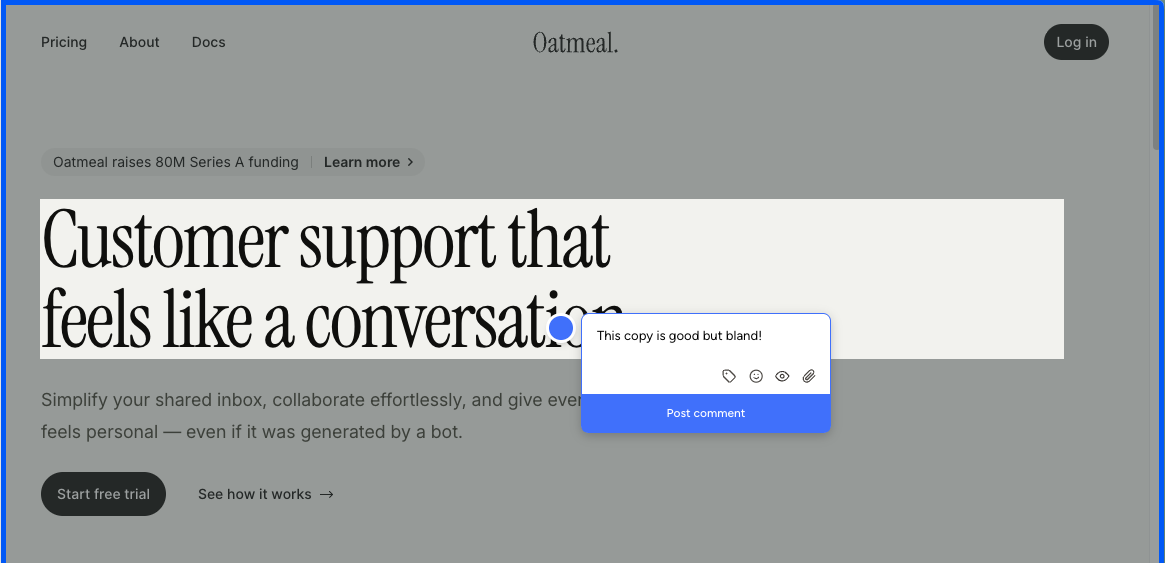
Pastel is the closest like-for-like replacement. It has been around since 2016, and it works the way MarkUp.io does. You add a script tag or use the Chrome extension, Pastel creates a canvas that frames a snapshot of your site, and reviewers comment inside that canvas rather than on your live site. The extension only creates new canvases, so there is no on-page commenting.
That keeps MarkUp.io's limits too. Mobile review happens in a desktop-emulated viewport inside Pastel, not on a real phone, so touch handlers, fixed headers and modals can behave differently from what clients see. Pages behind a login or ones that block framing are hard to review.
Pricing is the reason to switch. As of October 29, 2026, Pro is $35 a month, or $29 billed annually, for 2 users and 3 active canvases, under half of MarkUp.io's entry price. Integrations with Trello, Asana, Jira, ClickUp, Monday and Zapier start at Team, $119 a month for 5 users. In our original test the free plan closed comments 72 hours after sharing. The current plans page lists feedback deadlines without a fixed window, so check before you rely on Free.
Key features:
- Feedback canvases that frame a snapshot of your site
- Comments on images and PDFs as well as websites
- Script tag install and a Chrome extension for new canvases
- Attachments and mentions in comments
- Unlimited guest reviewers on every plan
- Project spaces, labels and private comments
Pricing:
- Free, 1 user and 1 active canvas, unlimited guest reviewers
- Pro, $35 a month or $29 yearly, 2 users, 3 active canvases, 100 GB video storage
- Team, $119 a month or $99 yearly, from 5 users at $24 each after, unlimited canvases, integrations
- Enterprise, $450 a month, from 10 users, SAML SSO and a SOC 2 report
- 14-day trial on paid plans, per Pastel's plans page as of 2026-10-29
Pros:
- Same canvas workflow as MarkUp.io at a lower price
- Reviews images and PDFs too
- Mature product, around since 2016
- Unlimited guest reviewers on every plan
Cons:
- Reviewers comment on a snapshot, not your live site
- No real-device mobile feedback
- No integrations below the $119 Team plan
- Pro caps you at 3 active canvases
- The Chrome extension cannot comment on a page directly
Reviews:
Pastel's reviews are positive on the basics. Setup is quick, the canvas idea is easy to explain, and commenting inside a canvas works well. The criticism sits at the edges, with clients reluctant to open a separate tool and anyone testing on a phone pushed into an emulated view. For MarkUp.io users happy with that model, it is the least disruptive switch.
Huddlekit#
Built for: Agencies · Freelancers
Best for: MarkUp.io users who are fine with frame-based review and care most about responsive checks on marketing sites.
Huddlekit launched in 2025 and has been shipping quickly. Setup was one of the smoothest in our test, and we hit very few bugs for a product that new. If MarkUp.io's model suits you and the price does not, it belongs on the shortlist.
Its standout feature is a four-screen responsive canvas. You see the page at mobile, tablet, laptop and desktop sizes side by side, so a broken hero on mobile and a stretched headline on desktop show up in one pass. None of the other canvas tools here offer that.
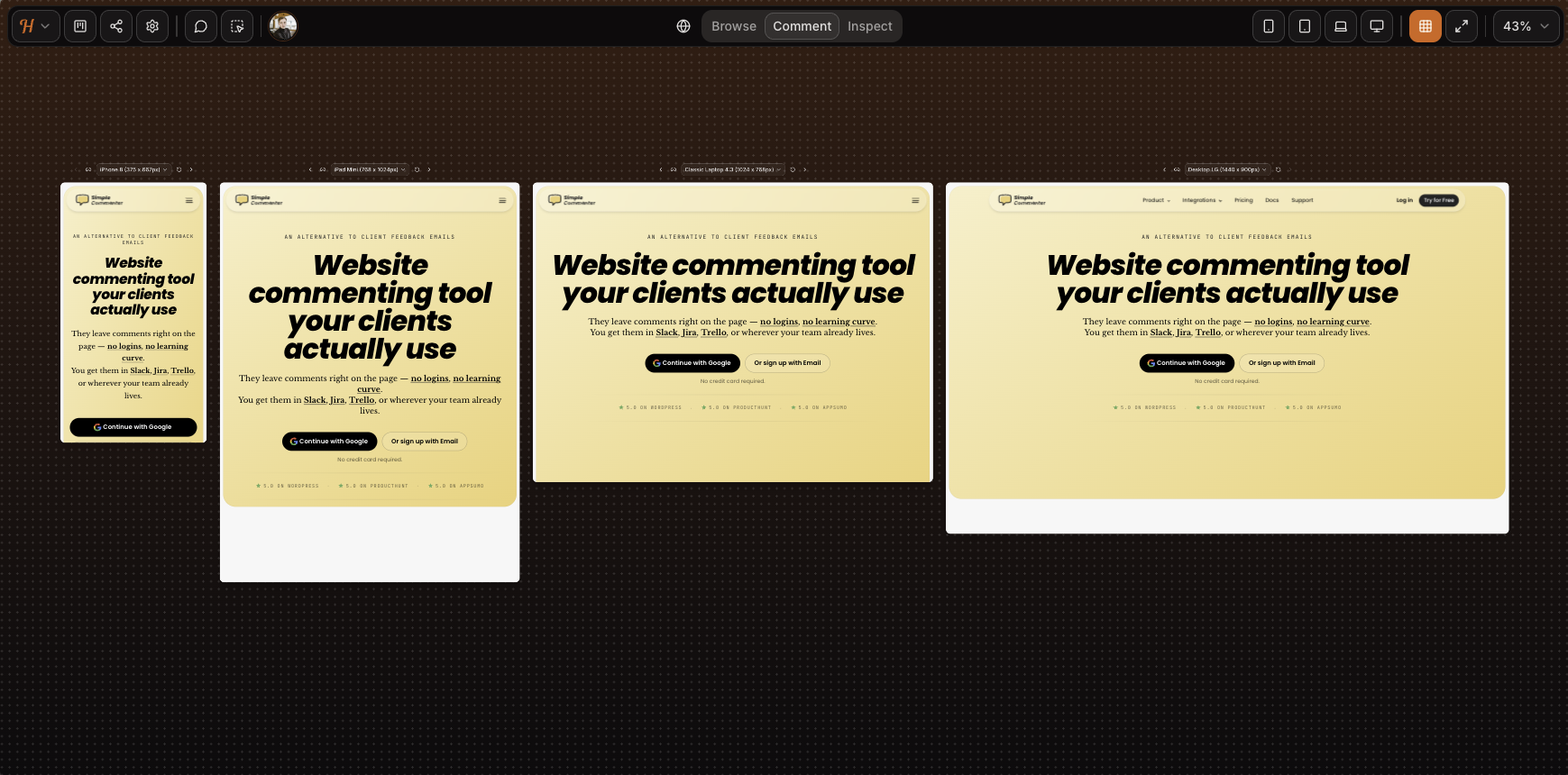
The usual frame limits apply. Mobile is emulated rather than a real device, and in our screenshot the SVG animation on our homepage did not render at all. Authenticated apps would not load in the canvas, and our Basic Auth test page failed. Marketing sites built on WordPress, Squarespace or Webflow loaded fine.
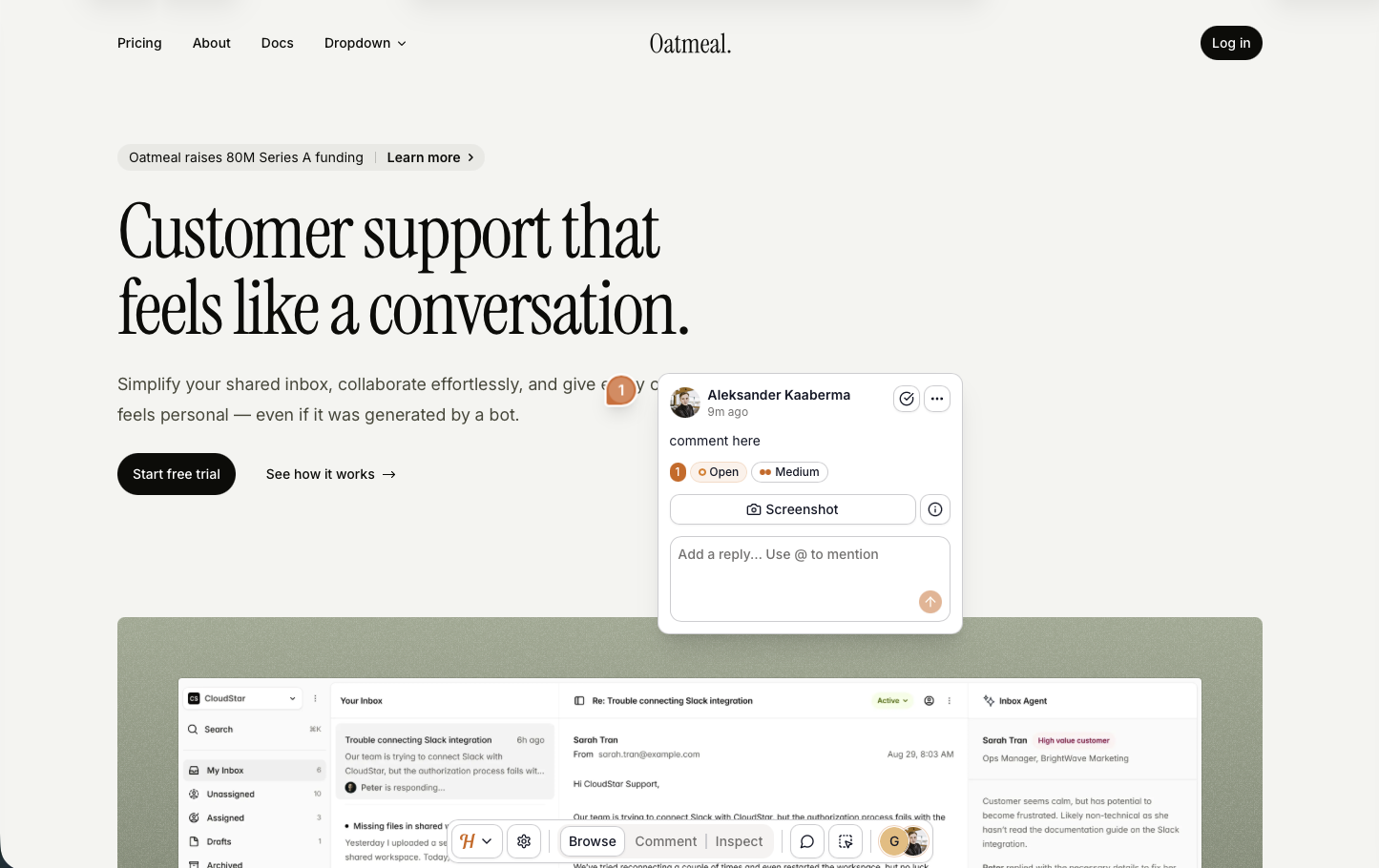
A script-based install is in beta, and it worked well on our test pages. Each comment got an automatic screenshot taken from the exact spot, which is better than MarkUp.io managed in our test, though dropdowns and drawers still had rough edges.
Access is light. Anyone with the link can open a project and read its feedback, and commenting asks for a name and email rather than an account. Because comments are matched to email addresses, someone who knows a team member's address can comment as them. That is a fair trade for freelancers, not for teams that need audit trails. Plans top out at 15 team members.
Integrations have arrived since our original test. As of October 29, 2026, the Team plan lists Linear, ClickUp, Notion and Trello with status synced both ways, Asana completion sync, Slack, Zapier and outgoing webhooks, plus a REST API. An MCP connection for Claude, Claude Code or Cursor is on Pro and Team. We found no white label on any tier.
Key features:
- Frame-based review, with script loading in beta
- Mobile, tablet, laptop and desktop views side by side
- Comments on images, PDFs and video as well as pages
- Automatic screenshot on each comment
- Kanban board, comment pausing, private comments and inspect mode on paid plans
- Integrations, two-way status sync and API access on Team
- MCP connection on Pro and Team
Pricing:
- Free, 3 team members, 1 project, 100 MB storage
- Pro, $19 a month or $190 a year, 3 team members, unlimited projects and guests, 5 GB, MCP
- Team, $39 a month or $390 a year, 15 team members, 50 GB, integrations and API
- Two months free on yearly billing
- From Huddlekit pricing as of 2026-10-29
Pros:
- Smooth setup and very few bugs in our test
- The side-by-side responsive view is unique in this category
- The beta script install already places screenshots correctly
- Usable free tier for solo work
- Integrations with two-way status sync on Team
- Active development
Cons:
- Frames break on Basic Auth, logged-in apps and pages that block framing
- Mobile feedback is emulated
- Anyone with the link can read existing feedback
- Commenting requires a name and email, so nothing is fully anonymous
- No white label on any tier
- Not built for enterprise access control, with a 15-member cap
- No third-party reviews on G2, Capterra or Product Hunt yet
Reviews:
Huddlekit's site shows a 5 out of 5 rating, but we found no third-party reviews on G2, Capterra or Product Hunt to check it against. Its testimonials match our test, a clean canvas experience, quick iteration, and a credible stand-in for MarkUp.io, Pastel and Ruttl on simple sites. A fuller verdict will have to wait for independent reviews, but the script install already beats several older tools.
BugSmash#
Built for: Freelancers · Agencies · Design teams
Best for: MarkUp.io users who review more than websites, including Figma frames, video and audio, and want a cheaper canvas tool.
BugSmash launched in 2025 and, despite the name, has nothing to do with BugHerd. It belongs with MarkUp.io, Pastel and Ruttl, as a tool where reviewers comment on a BugSmash-hosted snapshot of your asset rather than your live site.
Its range is the reason to pick it. You can pin comments on websites, design files, PDFs, images, video, audio and mobile app screens from one dashboard, and the Figma plugin sends frames straight into a project. No other canvas tool on this list has a Figma plugin.
The frame trade-offs are the same as MarkUp.io's. Static pages and design files load fine, while Basic Auth sites, pages that block framing and logged-in apps do not, and mobile is emulated. Commenting is also gated by sign-up. The link can be public, but anyone who wants to comment must create an account, which loses the drop-a-link simplicity many MarkUp.io clients liked.
Pricing has changed since our first review. As of October 29, 2026, Starter is $19 a month billed annually ($25 monthly) for 30 active projects and 2 members, with Slack, ClickUp, Asana, Monday, Notion, Airtable, Trello, Jira and Linear. Team is $49 billed annually for 10 members with custom branding on a BugSmash subdomain, and Agency at $99 adds white label on your own domain and API access.

Key features:
- Snapshot-based website review plus PDFs, images, video, audio and app screens
- Figma plugin that sends frames into a project
- Automatic screenshot on each comment
- AI review summaries, with a monthly limit below Agency
- Tracker integrations from Starter, Zapier, Make, n8n and webhooks from Team
Pricing:
- Free, 2 projects, 2 members, unlimited guest reviewers, 5 GB, 1 AI review
- Starter, $19 yearly or $25 monthly, 30 active projects, 2 members, 50 GB, 20 AI reviews
- Team, $49 yearly or $69 monthly, unlimited projects, 10 members, 300 GB, custom branding
- Agency, $99 yearly or $129 monthly, 25 members, 1 TB, white label, API access
- Enterprise on request with SSO, and a 14-day trial, per BugSmash pricing as of 2026-10-29
Pros:
- The broadest asset coverage of the canvas tools here
- The only Figma plugin in this group
- A free tier that works for real projects
- Tracker integrations already on Starter
- White label available on Agency
Cons:
- Reviewers comment on a hosted snapshot, not your live site
- Every commenter must sign up first
- Basic Auth sites and pages that block framing are out of scope
- Mobile feedback is emulated
- AI review limits below Agency
- Few public reviews outside AppSumo
Reviews:
Most public reviews are on AppSumo, from a lifetime-deal launch. Reviewers often frame it as a MarkUp.io and Pastel alternative and say reported bugs got fixed within a day or two, which they contrast with larger vendors. Keep in mind that those buyers paid once, not the current monthly price, so their value judgments do not carry over to a new subscription.
Which one should you pick?#
If price drove you away from MarkUp.io and you are happy with canvas review, compare Pastel, Huddlekit and BugSmash first. If you want feedback on the real site with tracker integrations, start with Simple Commenter or Feedbucket. If you review Figma files, video or audio alongside sites, BugSmash covers the most formats. Whichever you choose, run one real client review in it before your MarkUp.io renewal date.
MarkUp.io pricing in 2026, and what changed#
The 2025 pricing change is why most people land on this page, so here is the before and after.
- Free plan. Available before 2025, retired since, and no free tier today
- Pro. $29 a month before 2025, now from $79 a month for 50 MarkUps
- Trial. A 14-day trial is offered on Pro and Business
The current lineup goes beyond the old single Pro plan. As of October 29, 2026, Pro runs $79, $99 or $129 a month for 50, 75 or 100 MarkUps, Business runs $499 to $799 for 200 to 600, and Enterprise is custom. If you only run a few reviews a month, the allowance is what you pay for, so count your reviews before you compare.
Frequently asked questions#
Is MarkUp.io still free?#
No. As of October 29, 2026, MarkUp.io lists no permanent free plan. It offers a 14-day trial, and Pro starts at $79 a month for 50 MarkUps with unlimited users. Check the trial terms on its pricing page before you sign up.
What is the best alternative to MarkUp.io for visual website feedback and client approvals?#
For client approvals on the live site, we recommend Simple Commenter, our own product. Clients pin comments on the real page without an account, replies stay threaded, and invited reviewers are notified when you answer, which covers the approval loop MarkUp.io ran inside its viewer. If tracker integrations matter most, shortlist Feedbucket. For the cheapest like-for-like canvas, compare Pastel and Huddlekit.
Found this useful? Add us as a preferred source and Google will show you more of our guides in Search and AI Overviews.