6 Best Usersnap Alternatives in 2026
Usersnap alternatives for website and product feedback, with Usersnap's current pricing, what you give up by leaving, and six tools compared.

Most people looking for a Usersnap alternative use one half of the product and pay for both. If your half is screenshots and bug reports from clients or testers on a website, a dedicated feedback tool will usually fit better and cost less. If it's surveys, feature requests and roadmaps, the list of real replacements is short, and staying put may be the right call.
Usersnap has changed shape. Its homepage now calls it "the only product evidence platform", and the original screenshot widget sits inside surveys, channels that pull in support tickets and call transcripts, AI analysis and a roadmap board. That's a good fit for a product team. It's a lot of extra plan for a web agency that only wanted clients to point at a broken button.
TL;DR#
- Pinned comments and a task board. BugHerd, with unlimited projects on every plan.
- Bug reports with console logs, network requests and session replay. Marker.io, sent straight to Jira or Linear.
- Client feedback that goes into your project tool. Feedbucket, with unlimited client reporters.
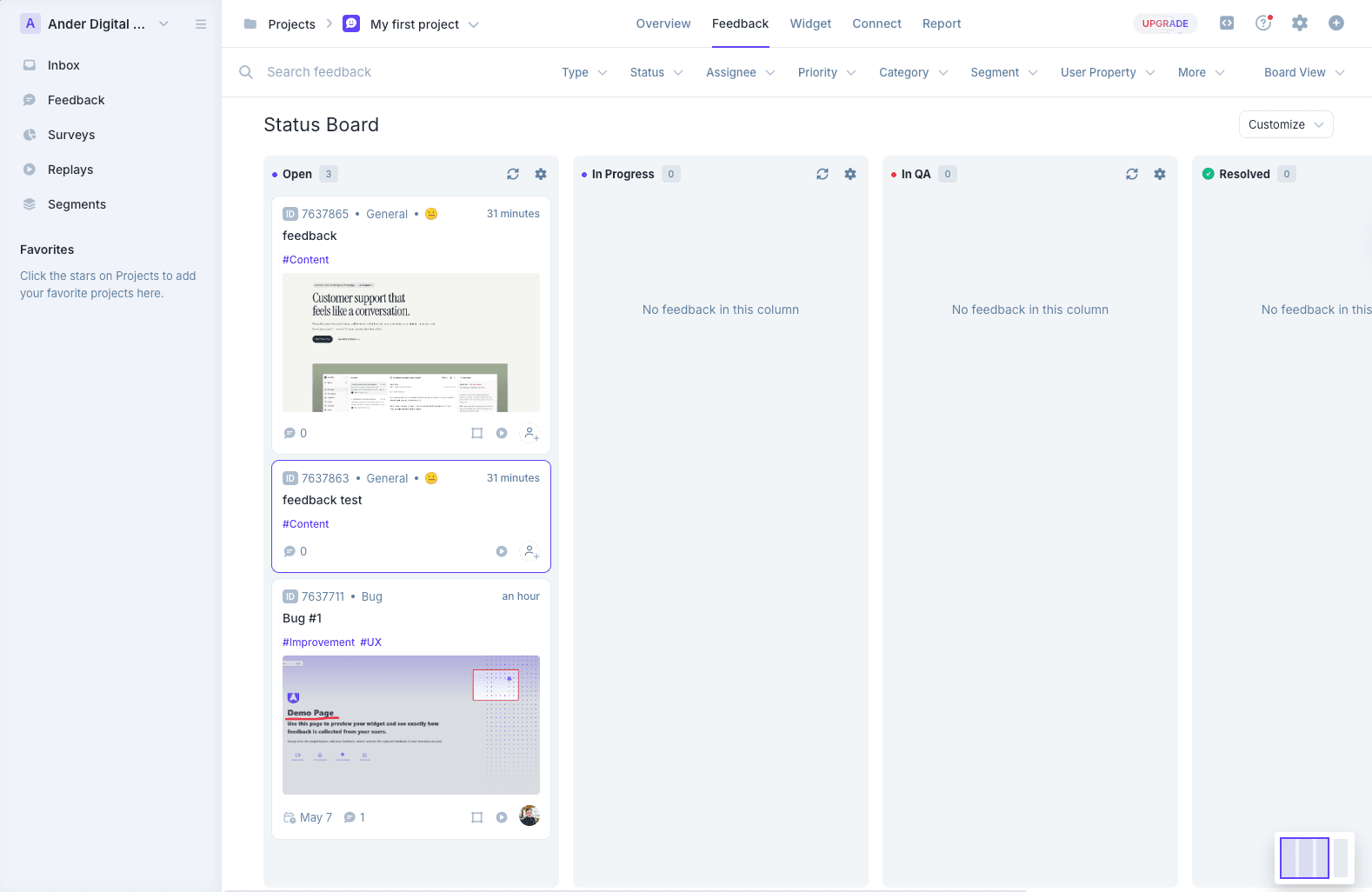
- Surveys, session replay and a feature portal for less. Userback, whose Business plan costs less than Usersnap Growth.
- Surveys, a public roadmap, a changelog and live chat in one product. Gleap.
- Before you cancel anything, check your export rights. Usersnap's pricing table shows no CSV or JSON export on Starter or Growth.
Full disclosure. We make Simple Commenter, a website feedback tool for agencies, and it's the first entry in the list below. Everything we say about Usersnap comes from usersnap.com, its pricing page and its help center, read as of 2026-10-29. We didn't run a new hands-on test of Usersnap for this page. Competitor prices come from each vendor's own pricing page on the same day, and every entry links to its source.
What Usersnap is in 2026#
Usersnap is a feedback platform for product teams. Its homepage names product, support and development teams as the audience, in technology, financial services, education, mobility and ecommerce. Agencies aren't on that list.
The platform works in four steps. It collects feedback through widgets, surveys, screen captures and channels that ingest conversations from tools such as Gong, Zoom, Intercom and ServiceNow. AI groups that feedback by topic and sentiment. An opportunity board and roadmaps turn the patterns into planned work, and announcements tell users what shipped. Integrations cover Jira, Azure DevOps, Linear, Zendesk, Slack and, by Usersnap's own count, 50+ tools. An MCP connector lets ChatGPT, Claude or Cursor query your feedback and draft opportunities.
The website feedback part is still there. Every plan captures annotated screenshots, screen recordings, console errors and browser details. Chrome and Firefox extensions capture pages that have no widget installed. People who send feedback through the widget don't need a seat.
Checked as of 2026-10-29 on usersnap.com, the Usersnap pricing page and the MCP connector docs.
Usersnap pricing as of 2026-10-29#
Usersnap shows euros or dollars depending on where you are. These are the US dollar figures from usersnap.com/pricing, checked as of 2026-10-29.
| Plan | Monthly billing | Yearly billing, per month | Dashboard seats | Projects | What the plan adds |
|---|---|---|---|---|---|
| Starter | $59 | $49 | 2 | 2 | Opportunity board, integrations, two-way sync, MCP on 2 projects |
| Growth | $159 | $129 | Unlimited | 10 | 20 channel sources, segments, email automations |
| Professional | $259 | $209 | Unlimited (the page also says 20 team members) | 20 | Data export, public boards and roadmaps, guest portal, AI sentiment on 200 items |
| Premium | $549 | $449 | Unlimited (the page also says 50 team members) | 50 | Custom branding, custom email domain, REST API, webhooks, mobile SDK |
| Enterprise | Custom | Custom | Custom | Custom | SSO and SAML, security audit, SLA |
On the same page, the euro prices on monthly billing are €49, €129, €219 and €459.
Four rules decide what you actually pay.
- Seats are people who work in the Usersnap dashboard. Clients and users who send feedback don't take one. Growth and up list unlimited seats, but the same page also caps Professional at 20 team members and Premium at 50, so confirm with Usersnap before you count on it.
- Projects are single feedback widgets or surveys. Starter allows 2 and Growth 10. If you give each client site its own widget, that number is your client limit.
- Spaces hold your projects, and each space has its own code snippet. Starter and Growth include one space.
- The free trial opens Premium features until you collect 20 feedback items, then asks you to upgrade. Usersnap's FAQ says accounts that never upgrade are deactivated after 90 days. You don't need a card to start.
Self-service plans are paid by credit card only. Extra channel intake and AI processing are sold as add-ons, priced on your subscription page rather than the public one.
Why teams look for a Usersnap alternative#
Read the pricing page next to the help center and four sticking points stand out for web teams.
Agency basics sit on the top plans. Custom branding on widgets, emails and boards, a custom email domain, the REST API and webhooks all start at Premium, $449 a month on yearly billing. SSO is Enterprise only. CSV and JSON export starts at Professional.
Clients see a list, not the page. Usersnap's help center describes two ways to bring clients in. You add them as team members, or you give them guest access to a board where they see the feedback list, follow its status and comment. The guest portal is on Professional and up. We didn't find a documented way for a client to see earlier feedback as pins on the page itself, which is how most agency review rounds run. Sources are Usersnap's guides to inviting clients and the guest board, as of 2026-10-29.
The WordPress plugin has stalled. The Usersnap plugin on wordpress.org injects the snippet with your space API key, and every other setting lives in the Usersnap dashboard. As of 2026-10-29 it shows 400+ active installs, version 4.20, a last update on June 26, 2024, and testing up to WordPress 6.5.
Small teams carry a big platform. Starter gives 2 seats and 2 projects. Unlimited seats start at Growth, $129 a month on yearly billing, and much of what Growth adds (channels, segments, email automations) does nothing for a team that only uses the screenshot widget.
Where Usersnap is still the better choice#
Be honest about what you use before you switch. Usersnap does these things and most website feedback tools, ours included, don't.
- Surveys with conditional logic, targeted by page, time on page, exit intent or user events, on every plan.
- Channels that pull feedback out of Gong, Zoom, Intercom and ServiceNow, from Growth up.
- AI that sorts feedback by topic and sentiment and looks for root causes, from Professional up.
- An opportunity board, saved roadmaps, public roadmaps and release announcements with a changelog.
- Two-way status sync with Jira, Jira Product Discovery, Azure DevOps, Asana and Linear, on every plan.
- A mobile app SDK for feedback forms and surveys on Premium. Usersnap notes that visual feedback isn't supported there.
If your product team lives in those features every week, no visual feedback tool will replace Usersnap. Look at Userback or Gleap below, or stay.
Source, Usersnap pricing and plan comparison, as of 2026-10-29.
Usersnap alternatives compared#
Prices as of 2026-10-29, from each vendor's pricing page linked in its entry.
| Tool | Best for | Entry plan | Team at entry | Surveys and roadmap |
|---|---|---|---|---|
| Usersnap | Product evidence for product teams | $59 a month, or $49 on yearly billing | 2 seats | Yes |
| Simple Commenter | Client review of websites, PDFs and images | $34.99 a month, or $349.99 a year | 3 members | No |
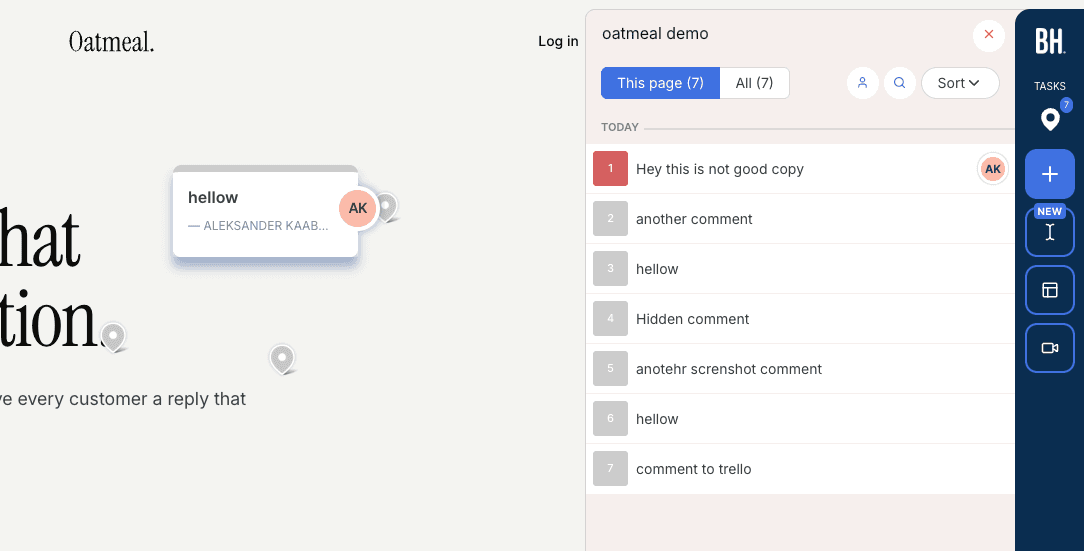
| BugHerd | Pins on the page plus a task board | $50 a month, or $42 on yearly billing | 5 members | No |
| Marker.io | Bug reports with developer data | $59 a month, or $39 on yearly billing | 3 members | No |
| Feedbucket | Feedback that lands in your PM tool | $49 a month, 20% off yearly | 2 members | No |
| Userback | Product feedback with replay and surveys | Free plan, or $49 a month ($39 yearly) | 5 seats on Team | Surveys on Business, feature portal add-on on Team |
| Gleap | Feedback, roadmap and support chat in one | $35 a month, or $29 on yearly billing | 1 seat | Team plan and up |
1. Simple Commenter#
Best for agencies and freelancers who used Usersnap to collect client feedback on websites, and want those comments on the page instead of in a list.
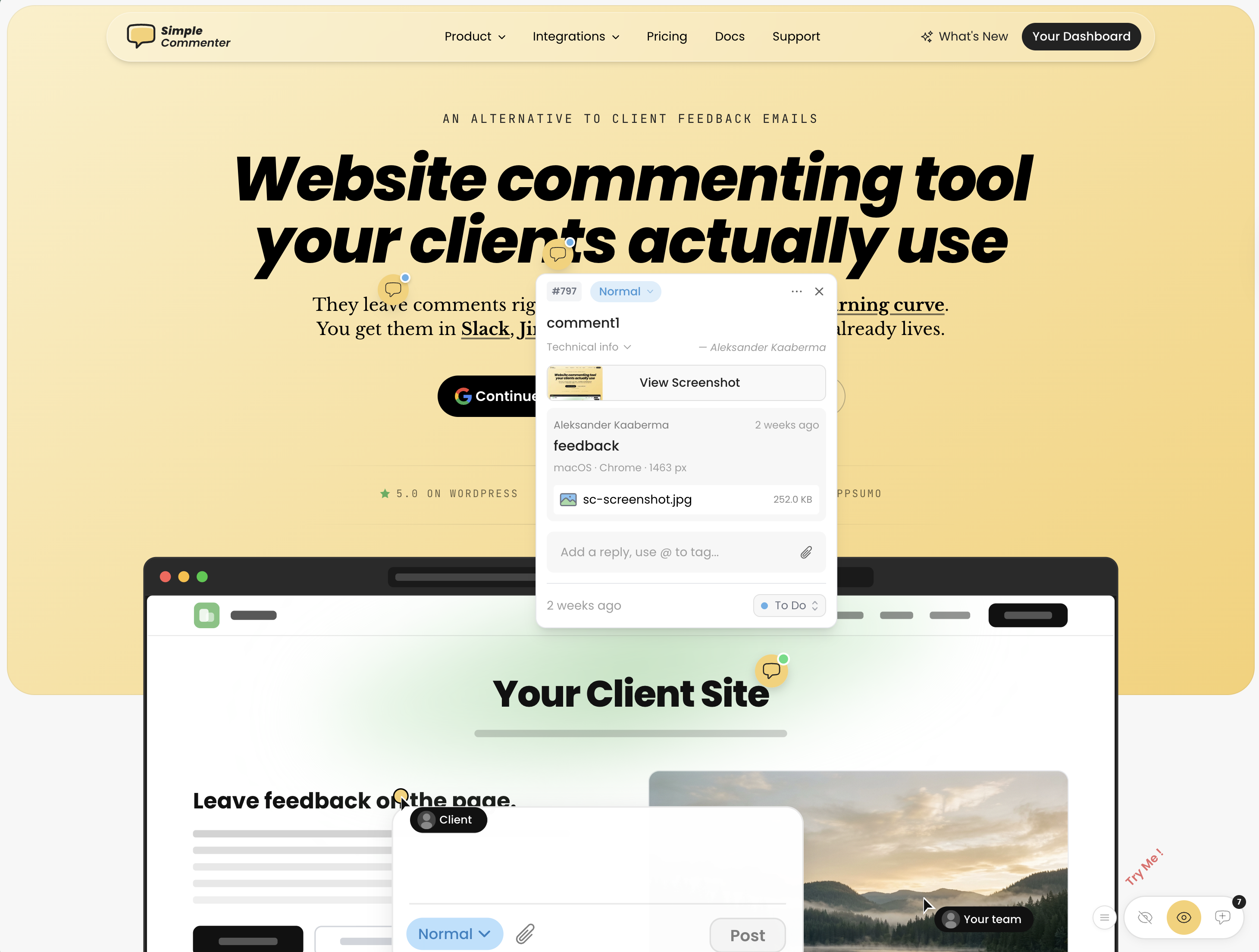
This is our product, so read this entry knowing that. We built it for the job Usersnap no longer leads with, getting a non-technical client to comment on a live or staging site without signing up for anything.
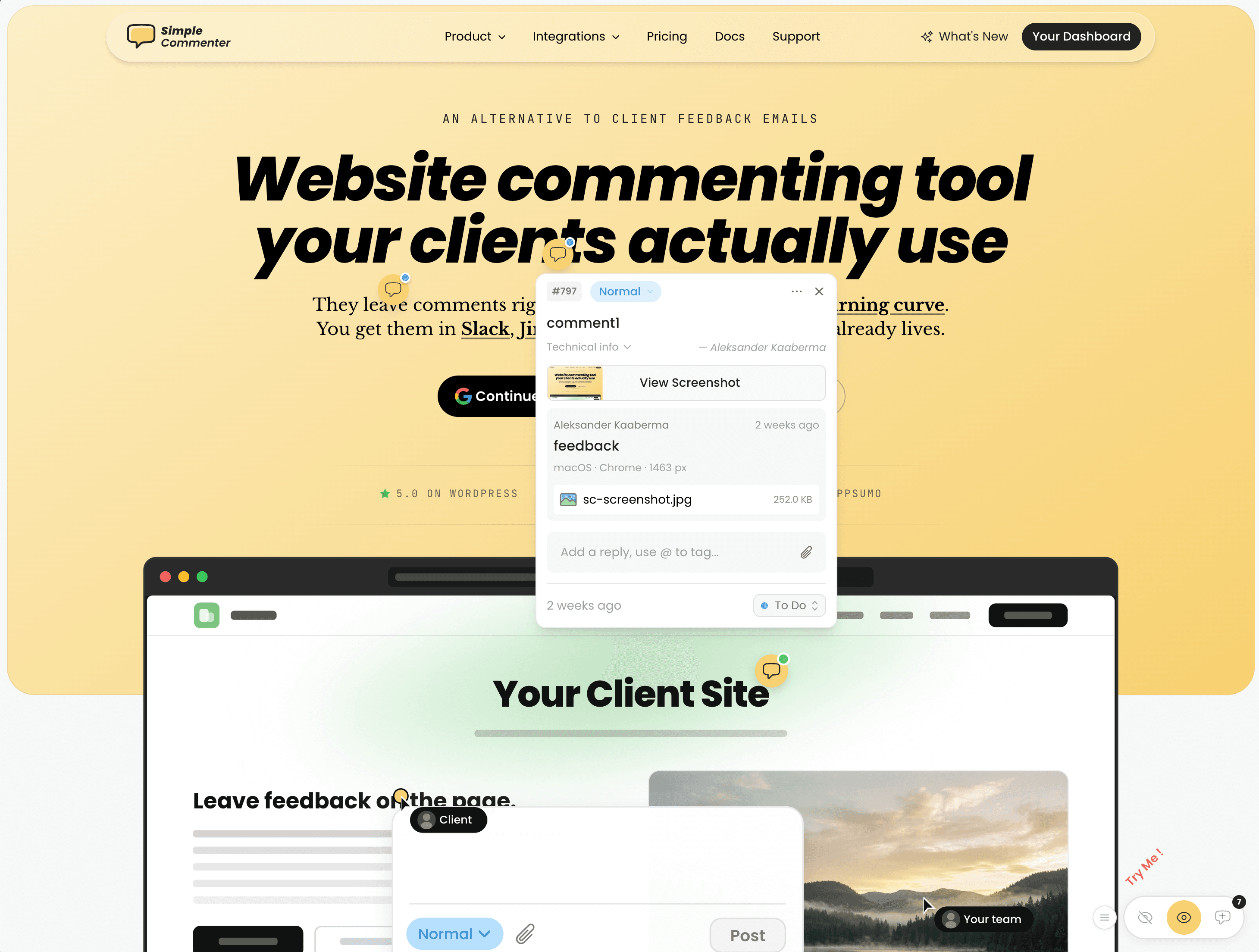
A client opens the site, clicks the spot that's wrong and types. The comment is pinned to the page with a screenshot and the browser details attached. They don't create an account and they never take a seat. Your team works through the comments in a dashboard and sends them on to Asana, ClickUp, GitHub, Jira, Linear, Monday.com, Slack, Trello, email or webhooks. The widget goes on with a script tag, the WordPress plugin or the Chrome extension, and there are install guides for Webflow, Shopify, Wix, Framer, Squarespace, Next.js and more.
What you gain over Usersnap
- Agency features at $79 a month. The Agency plan includes unlimited team members and projects, white-label, your own domain and emails sent from your own address. On Usersnap, custom branding and a custom email domain start at Premium.
- Room for client sites. Pro covers 10 active projects, and archived ones don't count. Agency has no project limit, so a new client site never pushes you up a tier.
- Feedback on files, too. Clients pin comments on PDFs and images the same way they do on a page.
- A WordPress plugin with an inbox. Our WordPress plugin installs the widget and lets your team handle comments from WP admin. Usersnap's plugin only injects its snippet.
- An AI agent that works on the site. Usersnap's MCP connector is built for asking questions about feedback and drafting opportunities, and its docs say it never edits raw feedback. Our MCP server is built so Claude Code or Cursor can pull the comments, work through them in your codebase, then update or reply to each one.
- Comments in any language. Clients write in their own language and AI translates for your team.
- A trial that doesn't end at item 20. You get 14 days with no credit card, and the trial doesn't turn into a paid plan by itself. Every plan carries a 14-day money-back guarantee.
What you give up
- Surveys, NPS and survey targeting. We don't do them.
- Channels that pull in calls and support tickets, and AI sentiment or topic analysis across them.
- An opportunity board, public roadmaps and release announcements.
- Screen recording and a mobile app SDK.
- Seats on Pro. It includes 3 team members, with extra seats at $9.99 a month each, so a product team used to unlimited seats on Usersnap Growth should price Agency instead.
Pricing as of 2026-10-29
- Pro at $34.99 a month or $349.99 a year, with 3 team members, 10 active projects and 50 GB of storage.
- Agency at $79 a month or $790 a year, with unlimited team members and projects, white-label and 500 GB of storage. SAML SSO is an optional paid add-on.
- Enterprise on a custom quote, with SSO and SAML included.
- Clients are unlimited on every plan, and yearly billing gives 2 months free. See current plans and prices in USD, EUR, GBP, CAD or AUD.
2. BugHerd#
Best for web teams that want pins on the page, a kanban board for the work, and no cap on projects.
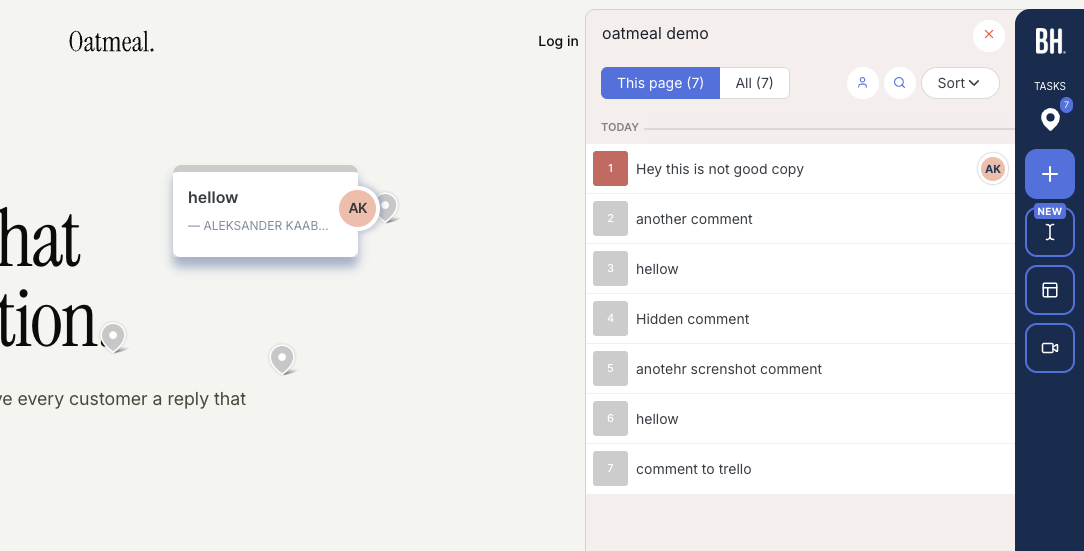
BugHerd has stayed a website feedback tool, which makes it the obvious test if that's the part of Usersnap you used. Reviewers click an element, BugHerd attaches a screenshot and technical details, and the comment becomes a task on your board. It also takes feedback on Figma designs, PDFs and images.
Clients don't need a login to start. BugHerd's help center says a client who opens a share link goes straight to the site, gives a name and email with the first comment, and gets a guest account created in the background. If the site doesn't have BugHerd's script installed, the client is asked to install the browser extension. Source, BugHerd client feedback guide, as of 2026-10-29.
Coming from Usersnap, the trade is clear. You get unlimited projects and guests on every plan, where Usersnap Starter stops at 2 projects. But the Jira, Asana, Linear, ClickUp and Monday.com integrations sit on Premium, while Usersnap syncs both ways with Jira and Linear from Starter. BugHerd beats us on two points worth testing, video feedback on every plan and unlimited projects on its entry plan.
Pricing as of 2026-10-29
- Standard at $50 a month, or $42 a month on yearly billing ($500 a year), with 5 members and 10 GB.
- Studio at $80 a month, or $67 on yearly billing, with 10 members and 25 GB.
- Premium at $150 a month, or $125 on yearly billing, with 25 members, 50 GB, custom branding, a guest task board, guests who can see each other's feedback, and the premium integrations.
- Custom plan with SSO and a 99.9% uptime SLA. Extra members cost $8 a month. Refunds within 60 days.
Source, BugHerd pricing, as of 2026-10-29.
Pros
- Unlimited projects and guests from the cheapest plan
- Video feedback and file feedback on every plan
- MCP access and AI-generated task titles from Standard
Cons
- Jira, Asana, Linear, ClickUp and Monday.com need Premium
- Below Premium, guests can't see each other's feedback
- Custom branding also waits for Premium
Our earlier hands-on notes are on the BugHerd alternatives page.
3. Marker.io#
Best for development and QA teams whose bug reports need console logs, network requests and session replay inside Jira, Linear or another tracker.
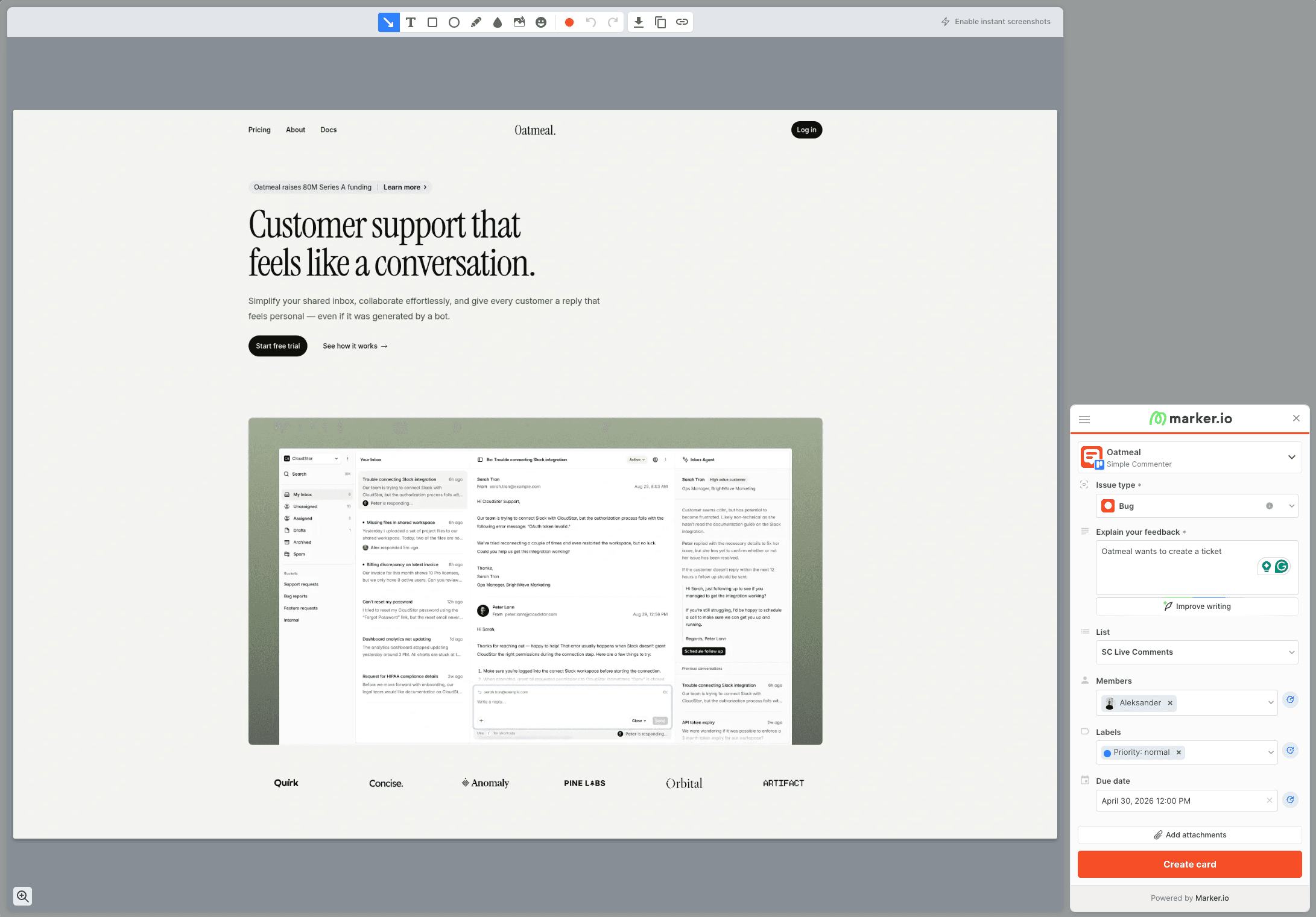
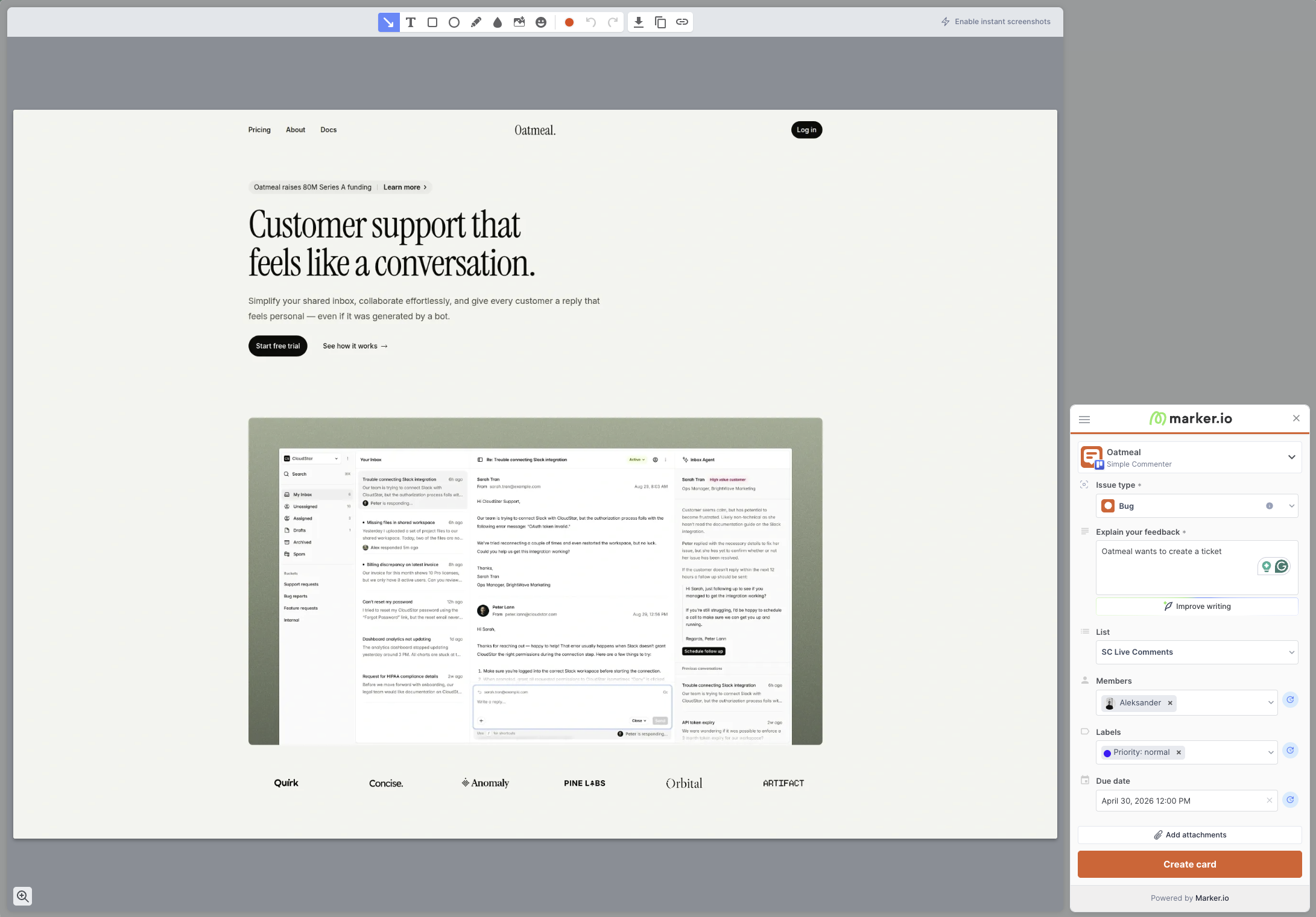
Marker.io is built around the bug report itself and leaves out the product research side. A reporter captures the screen, annotates it and fills a short ticket form, and the report lands in your tracker with environment details. On Team and Agency plans the report also carries console logs, network requests and a session replay. Guests report for free on every plan.
Feedback stays in the tracker rather than on the page, much like Usersnap. Marker.io's public request for reporters to see existing feedback while browsing has 106 votes and has been marked planned since March 17, 2026. Source, Marker.io on-site feedback request, as of 2026-10-29.
One thing Usersnap does better here. It attaches console errors and screen recordings on every plan, while Marker.io keeps its developer tools off Starter.
Pricing as of 2026-10-29
- Starter at $59 a month, or $39 a month on yearly billing, with 3 members and up to 10 projects. Basic integrations such as Trello, Asana, ClickUp, GitHub, GitLab, Linear and Notion.
- Team at $199 a month, or $149 on yearly billing, with 15 members, 50 projects, Jira, developer tools, session replay and custom branding.
- Agency at $129 a month, or $99 on yearly billing, for eligible agencies, with 15 members and 50 active client projects.
- Business on a custom quote, with SSO, webhooks, Azure DevOps, Zendesk and Intercom. 15-day trial without a card.
Source, Marker.io pricing, as of 2026-10-29.
Pros
- Console logs, network requests and replay on Team and Agency
- A dedicated Agency plan for client work
- Unlimited free guest reporters
Cons
- No console logs or replay on Starter
- Reporters can't see what others already reported on the page
- SSO only on the custom Business plan
More detail is on our Marker.io alternatives page.
4. Feedbucket#
Best for agencies that want client feedback to land in Asana, Jira or another project tool, not in yet another dashboard.
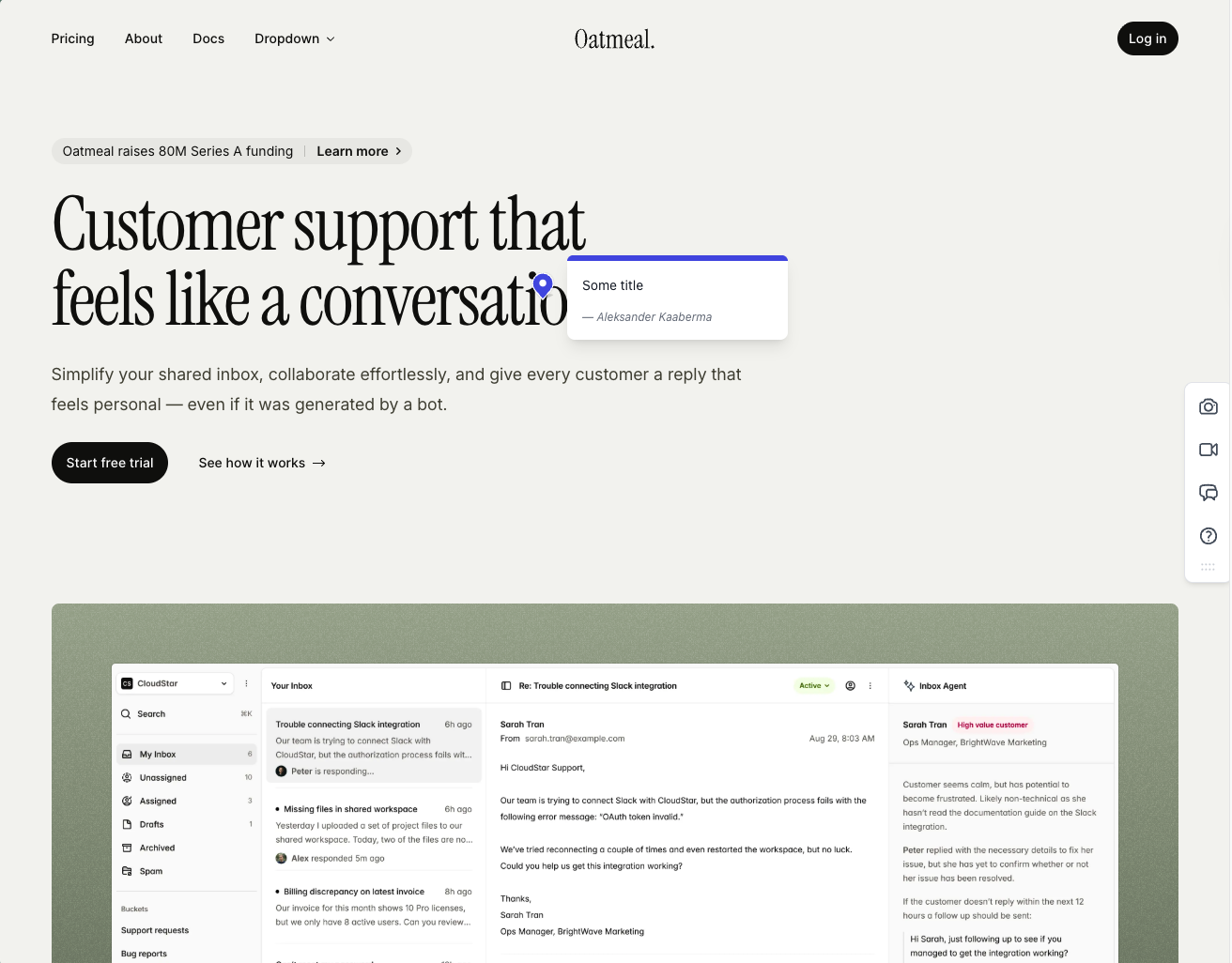
Feedbucket treats your project tool as home base. Clients comment and send screenshots or video through the widget without an account, and each item goes to the tool your team already works in. Projects, feedback and client reporters are unlimited on every plan, and the MCP connector and API come with the entry plan.
Compared with Usersnap, the agency math is friendlier. Custom branding costs $89 a month on Business instead of $449 a month on Usersnap Premium. The catch is the entry plan's 2 team members, no more than Usersnap Starter gives you. One more thing to check in the trial is console logs, which Feedbucket's price list puts on Business while its feature table marks them as included on Pro.
Pricing as of 2026-10-29
- Pro at $49 a month, with 2 team members, video feedback, every integration, the MCP connector and API access.
- Business at $89 a month, with 25 team members, custom branding, custom metadata, and webhook and CSV export.
- Enterprise on a custom quote. SSO is listed as coming soon.
- 20% off on yearly billing and a 14-day trial without a card.
Source, Feedbucket pricing, as of 2026-10-29.
Pros
- Unlimited projects and client reporters from the entry plan
- Clients comment without an account
- MCP connector and API on every plan
Cons
- Only 2 team members on Pro
- No SSO yet
- Branding and data export wait for Business
See the Feedbucket alternatives page for our earlier test notes.
5. Userback#
Best for product teams that want to keep surveys, session replay and a feature portal without paying Usersnap's mid-tier prices.
Userback is the nearest like-for-like swap for Usersnap's product side. Business bundles visual feedback, session replay on each report, console logs and network requests, user surveys with behavioral targeting, a feature portal, AI feedback insights, two-way sync with Jira and ClickUp, and custom branding. On Usersnap, the feature portal and AI analysis start at Professional and custom branding at Premium.
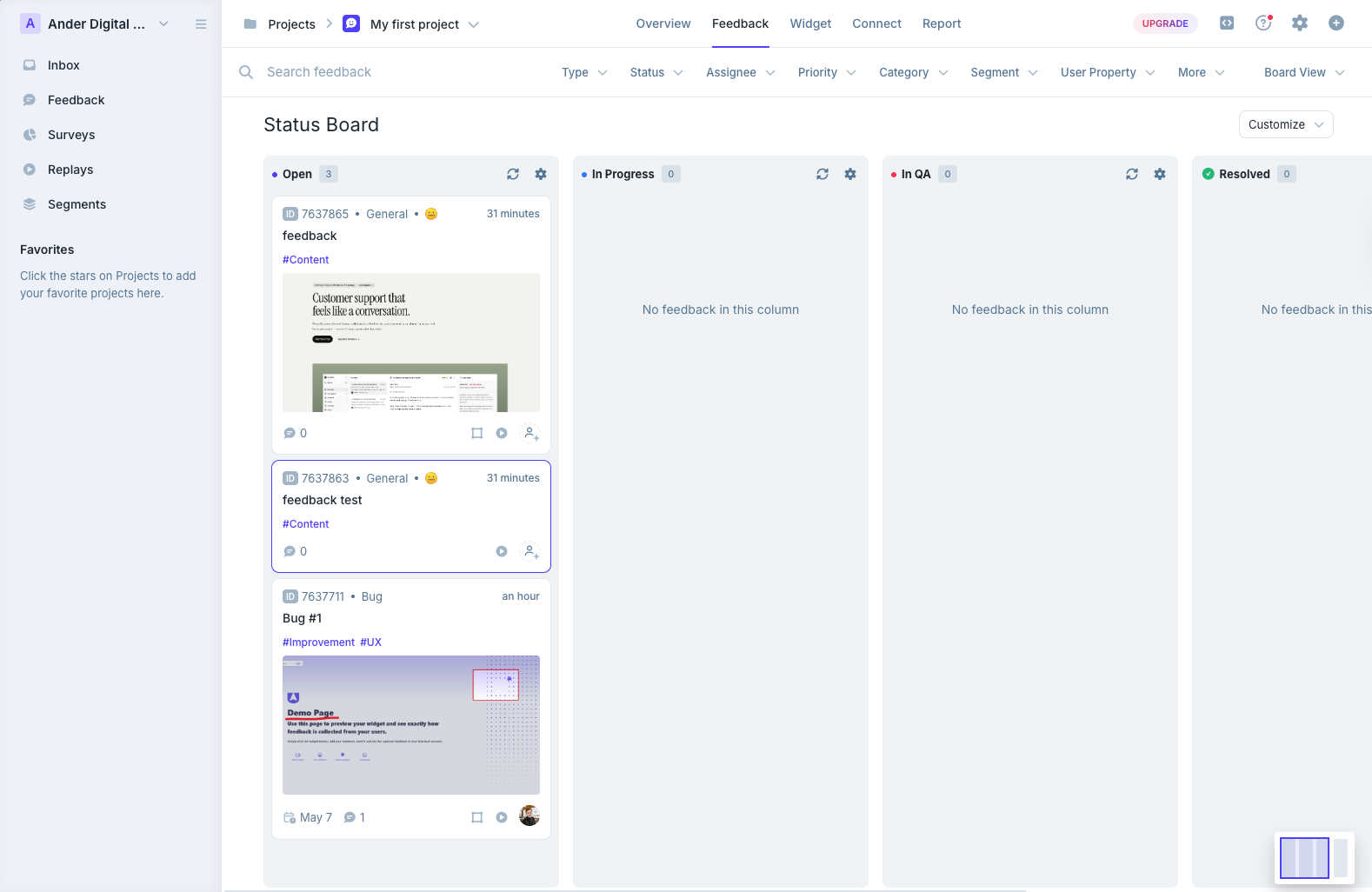
The comparison that matters is Userback Business at $89 a month on yearly billing against Usersnap Growth at $129. Userback costs less and adds branding, but caps Business at 15 seats where Usersnap Growth lists unlimited ones. What Userback lacks is Usersnap's channels, the intake of sales calls and support conversations. And it is a different company, despite the name. Our Userback vs Usersnap comparison covers the two side by side.
Pricing as of 2026-10-29
- Free with 2 seats and 2 sites. Feedback stays available for 7 days.
- Team at $49 a month, or $39 on yearly billing, with 5 seats, 5 sites and MCP connectors. The feature portal is an add-on from $31 a month.
- Business at $119 a month, or $89 on yearly billing, with 15 seats, 25 sites, surveys, replay, developer tools, two-way sync and custom branding.
- Business Plus at $199 a month, or $159 on yearly billing, with 25 seats, 50 sites, a mobile SDK, REST API, webhooks and no Userback logo.
- Enterprise on a custom quote with SSO. Extra seats on Business cost $9 a month, or $7 on yearly billing.
Source, Userback pricing, as of 2026-10-29.
Pros
- Surveys, replay and a feature portal at a lower price than the matching Usersnap plans
- A free plan to test with
- Two-way Jira and ClickUp sync on Business
Cons
- Seats are capped on every plan
- REST API and webhooks need Business Plus
- No channel intake from calls or support tools
6. Gleap#
Best for SaaS product teams that want bug reports, surveys, a public roadmap, a changelog and a support chat in one product.
Gleap goes the other way from the website tools on this list. Like Usersnap it covers surveys, feature requests, a public roadmap and a changelog, and it adds a live chat and support inbox, which you won't find on Usersnap's pricing page. Bug reports carry a screenshot, console logs and custom data on every plan, and bug reporting also works inside mobile apps.
The everything-tool parts start on Team at $149 a month on yearly billing, which sits close to Usersnap Growth at $129. Starter is cheaper at $29, but it covers one seat, one project, bug reporting and chat only. Watch two things before you commit. The trial needs a card and charges on day 8, and Gleap's AI support agent bills $0.29 per resolution on every plan.
Pricing as of 2026-10-29
- Starter at $35 a month, or $29 on yearly billing, with 1 seat, 1 project, bug reporting and live chat.
- Team at $179 a month, or $149 on yearly billing, with unlimited seats, session replay, surveys, feature requests, a public roadmap, a changelog, all native integrations and no Gleap branding.
- Pro at $359 a month, or $299 on yearly billing, adding SLA policies, custom roles and a SOC 2 report.
- Enterprise from $1,199 a month, or $999 on yearly billing, with SSO. No free plan, and a 7-day trial that starts with a card.
Source, Gleap pricing, as of 2026-10-29.
Pros
- One product for feedback, surveys, roadmap, changelog and support
- Unlimited seats from Team
- Bug reporting in web and mobile apps
Cons
- Starter leaves out surveys, replay and the roadmap
- The trial asks for a card
- AI support is billed per resolution on top of the plan
Before you cancel Usersnap#
Switching tools is quick. Losing a year of feedback history is the part people regret.
- Check what your plan can export. Usersnap's pricing table puts CSV and JSON export on Professional and up, and the REST API and webhooks on Premium. On Starter or Growth, anything you forwarded to Jira, Azure DevOps, Asana or Linear already lives in that tool. For the rest, ask Usersnap support what they can send you before the subscription ends.
- Save survey results and announcements separately. A website feedback tool has nowhere to put survey answers or a changelog, so keep them as files.
- Run one real review round first. Put the new widget on one client's staging site and let the client use it before you switch everyone over.
- Swap the snippet cleanly. Remove the Usersnap space snippet, or deactivate its WordPress plugin, once the new widget is live, so visitors don't see two feedback buttons.
- Reconnect the rest. Point your Slack channel, tracker and AI agent at the new tool, and revoke Usersnap's MCP access in your AI client.
Which one should you pick?#
Match the tool to the part of Usersnap you actually used.
- Clients reviewing websites, PDFs and images, priced for an agency. Simple Commenter.
- Pins on the page with a kanban board and no project cap. BugHerd.
- Bug reports with console logs and replay for developers. Marker.io.
- Feedback that should live in your project tool. Feedbucket.
- Surveys, replay and a feature portal at a lower price. Userback.
- Feedback, roadmap, changelog and support chat in one product. Gleap.
- Channels, AI sentiment analysis and roadmaps across a large product org. Stay on Usersnap. Nothing on this list does that job better.
FAQ#
Is there a free Usersnap alternative?#
Userback has a free plan with 2 seats and 2 sites, but feedback stays available for only 7 days (as of 2026-10-29). For a one-off review, our free website feedback tool lets you paste a public URL, pin comments and share the link with no signup or install, and it keeps sessions for 30 days. Usersnap's own trial is free until you collect 20 feedback items.
Is Usersnap the same as Userback?#
No. They're separate products from separate companies, at usersnap.com and userback.io. See Userback vs Usersnap for how they differ.
Can clients leave feedback in Usersnap without an account?#
Yes. Usersnap's pricing FAQ says you don't need to be a team member to send feedback through the widget or a survey. Seats only count people working in the dashboard. Clients who want to follow the status of their feedback do that on a guest board, which is on Professional and up (as of 2026-10-29).
Does Usersnap have an MCP server?#
Yes. Usersnap's MCP connector lets ChatGPT, Claude and Cursor query your workspace and create opportunities. Its help center says the assistant sees new data only, and historical data has to be indexed by Usersnap's customer success team. The connector covers 2 projects on Starter and 5 on Growth, Professional and Premium (as of 2026-10-29). Some comparison pages still say Usersnap has no MCP support, which is out of date.
How much does Usersnap cost?#
As of 2026-10-29, Starter is $49 a month on yearly billing or $59 monthly, Growth $129 or $159, Professional $209 or $259, and Premium $449 or $549. Enterprise is a custom quote and is the only plan with SSO. See the full table in Usersnap pricing above.
Found this useful? Add us as a preferred source and Google will show you more of our guides in Search and AI Overviews.